
How pricing works in Hi Events: plans, credits, modules and offers
All the costs in one place. What you pay for, when credits are used and what an example event costs.

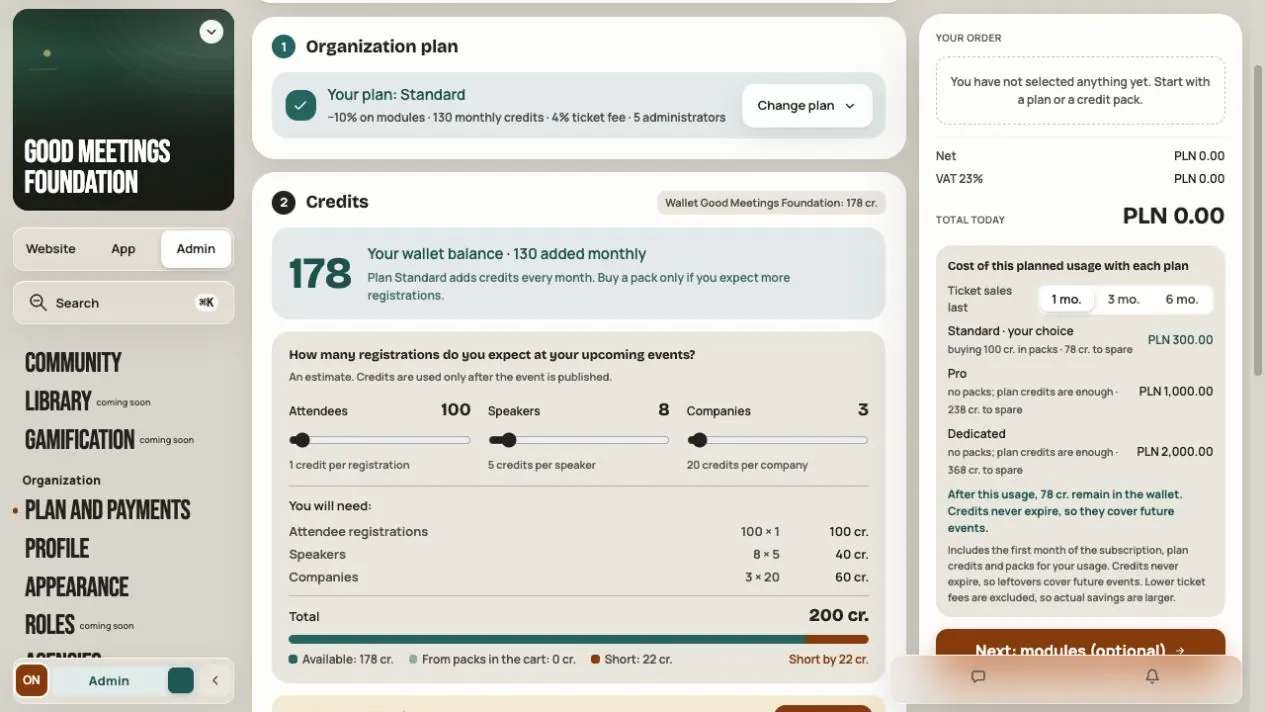
In Hi Events you pay for four things. Each works a little differently, so it's easiest to see them side by side.
| What | What you pay for | For whom |
|---|---|---|
| Plan | Monthly credits, seats for managers, a module discount and a lower fee | The whole organization |
| Credits | People in an event: participants with a free ticket, speakers and companies | The organization's shared wallet |
| Modules | Extra features, for example Networking or Event Hub | One chosen event |
| Fee | Paid tickets | Every ticket sold |
All prices in this article are net. VAT is added at purchase, and you'll see it in the cart.
Plan
You buy a plan for the whole organization, not for one event. You can pay monthly or once a year. A year costs the same as 10 months.
| Free | Standard | Pro | Dedicated | |
|---|---|---|---|---|
| Price per month | 0 zł | 500 zł | 1,000 zł | 2,000 zł |
| Price per year | 0 zł | 5,000 zł | 10,000 zł | 20,000 zł |
| Credits every month | 0 | 100 | 200 | 300 |
| Credits every month until the end of 2026 | 0 | 130 | 260 | 390 |
| Cost of a person in credits | double | regular | regular | regular |
| Module discount | 0% | 10% | 15% | 20% |
| Fee on a paid ticket | 5% | 4% | 3% | 2% |
| Manager seats | 2 | 5 | 10 | 15 |
A plan doesn't renew by itself. When it ends, the organization goes back to the Free rules. The credits in your wallet stay.
The Dedicated plan also includes the Networking module in all events for as long as the plan lasts.
More in Free, Standard, Pro and Dedicated plans.
Credits
Credits are the currency you pay for people in an event with. The organization has one wallet for all its events. Credits don't expire.
| Who | Credits (Standard, Pro, Dedicated) | Credits (Free) |
|---|---|---|
| Participant with a free ticket | 1 | 2 |
| Participant with a paid ticket | 0 | 0 |
| Speaker | 5 | 10 |
| Company | 20 | 40 |
You don't pay for a paid ticket with credits. Instead, Hi Events takes a fee on the ticket.
When credits are used:
- Nothing is used in a draft. You can prepare your event in peace.
- At publishing, credits are used for the speakers and companies already in the event.
- After publishing, credits are used as you go, for each new person.
Where your credits come from:
- 50 credits to start, once, when you create your organization.
- Every month from your plan.
- From packs you buy:
| Pack | Price | Per credit |
|---|---|---|
| 100 credits | 300 zł | 3.00 zł |
| 300 credits | 810 zł | 2.70 zł |
| 1,000 credits | 2,400 zł | 2.40 zł |
When you move to a higher plan in the same order, you get 10% extra credits with your packs.
When credits run out, free registrations still work on a reserve down to −50 credits. The reserve is paid back automatically with your next top-up. More in Your organization's credit wallet.
Modules
Agenda, Speakers and Business Hub are included. You buy extra modules separately for each event:
| Module | Price |
|---|---|
| Networking | 1,000 zł |
| Polls and quizzes | 1,000 zł |
| News | 1,000 zł |
| Event Hub | 2,000 zł |
Your plan lowers these prices by its discount. For example, Networking on Standard costs 900 zł.
You don't buy modules with credits. In a draft you can try a module with your team for free. The licence lasts 12 months and starts when you share the module with participants in a published event. A module marked Coming soon doesn't work yet and can't be bought.
Example: what an event costs
A small meetup: 80 participants with a free ticket and 3 speakers.
| Free | Standard (1 month) | |
|---|---|---|
| Credits needed | 2 × (80 + 15) = 190 | 80 + 15 = 95 |
| In your wallet | 50 to start | 50 to start + 130 from the plan |
| You buy | 2 packs of 100 = 600 zł | nothing |
| Total | 600 zł | 500 zł, 85 credits left |
A conference: 200 participants with a free ticket, 5 speakers and 4 companies.
| Free | Standard (1 month) | |
|---|---|---|
| Credits needed | 2 × (200 + 25 + 80) = 610 | 200 + 25 + 80 = 305 |
| In your wallet | 50 to start | 50 to start + 130 from the plan |
| You buy | 2 packs of 300 = 1,620 zł | 2 packs of 100 (+10% extra) = 600 zł |
| Total | 1,620 zł | 1,100 zł, 95 credits left |
Both examples assume a new organization with 50 starting credits. From 1 January 2027, Standard gives 100 credits a month instead of 130.
You don't have to do the maths yourself. Plan and payments → Buy credits has a calculator. You enter the number of participants, speakers and companies, and Hi Events shows how many credits you need and which plan works out cheapest. The calculator doesn't buy anything.
An individual offer
Running a bigger event, or several events a year? The Hi Events team can prepare an offer for you. You get it by email as a link. The offer shows the plan, credits, events with their modules, net prices, VAT and the total. You can download it as a PDF. How to accept it is in An offer from Hi Events.
Where to check your costs
In your organization, open Plan and payments. You'll see your plan and its end date, your credit balance, purchases, credit history and module licences.
Frequently asked questions
Do I have to buy a plan to get started?
No. On Free you can prepare an event for free. You only pay for people after publishing and for the modules you use.
When does a plan pay off?
When you have more people or several events. On Free every person costs double, while a plan gives you monthly credits, a module discount and a lower fee. The calculator compares this for you.
I only sell paid tickets. Do I need credits?
Not for participants. You only need credits for speakers and companies.
Do unused credits expire?
No. They stay in your wallet, even after your plan ends.
Read on
All articles →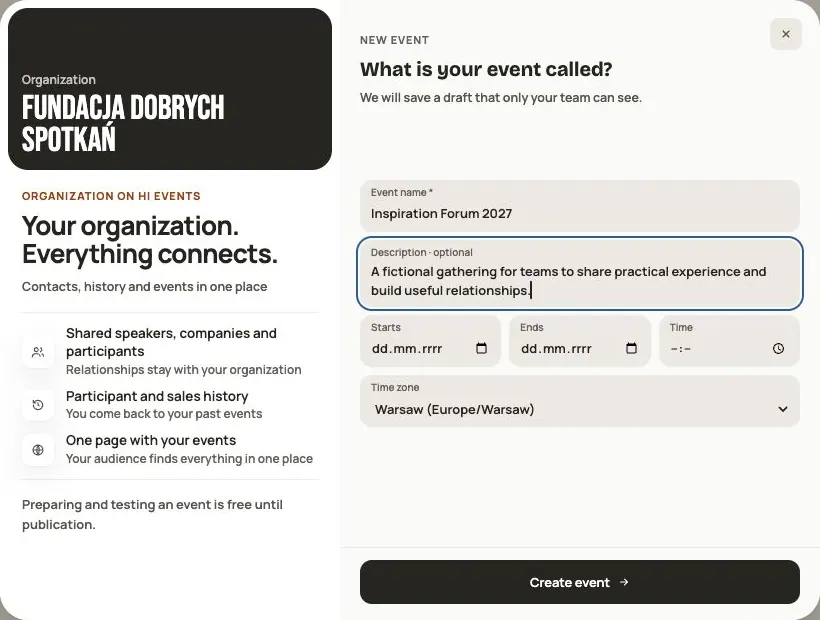 Help
Your first event, step by step
From draft to publication: name and dates, consents, tickets, content, modules, credits and the „Publish event” button.
 Help
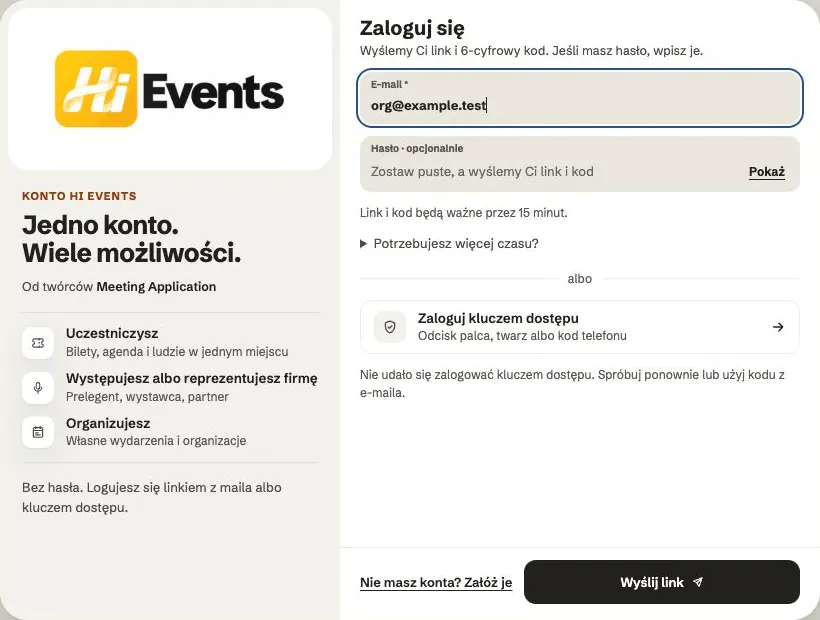
Signing in: link, code, password and passkey
Four ways to sign in to Hi Events, how to set or change your password, and how to sign in with your fingerprint.
 Help
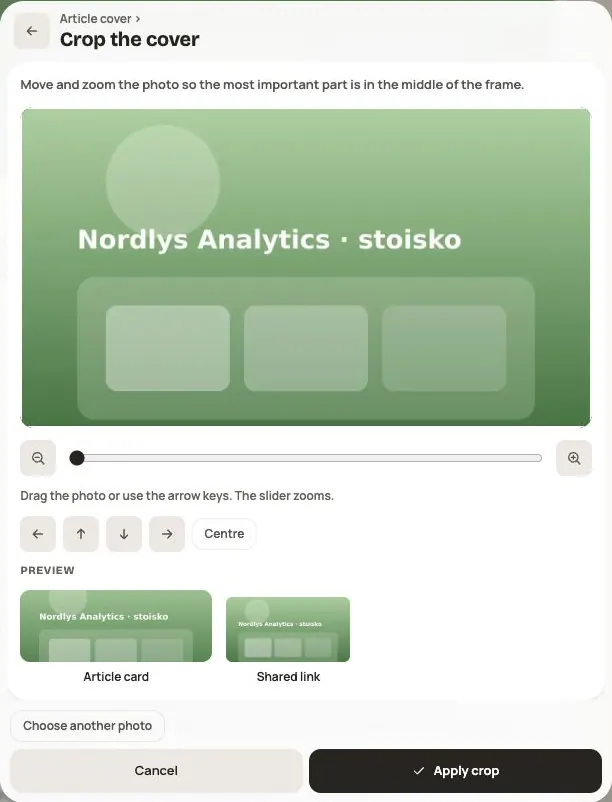
Photos and files: formats and limits
Which photos you can add, how big they can be, and what to do when a file won't upload.