
Know-how from over4,000 events.
Practical articles on running events, registration and building a community. We write about what 13 years of working with organisers has taught us.
 Latest · Planning
Conference check-in: how to prepare for welcoming attendees
How to prepare check-in at a conference or trade fair: plan the desks, badges, staff training and how to handle tricky cases at the entrance.
Read the article →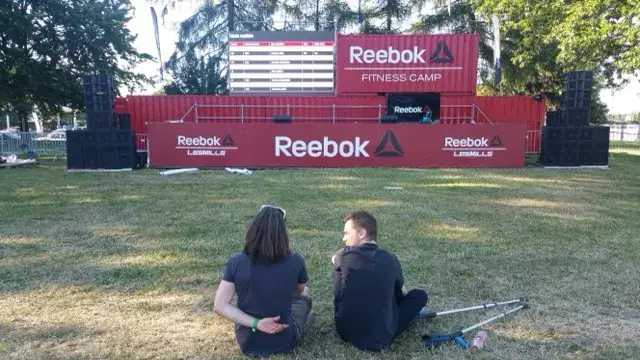 Community
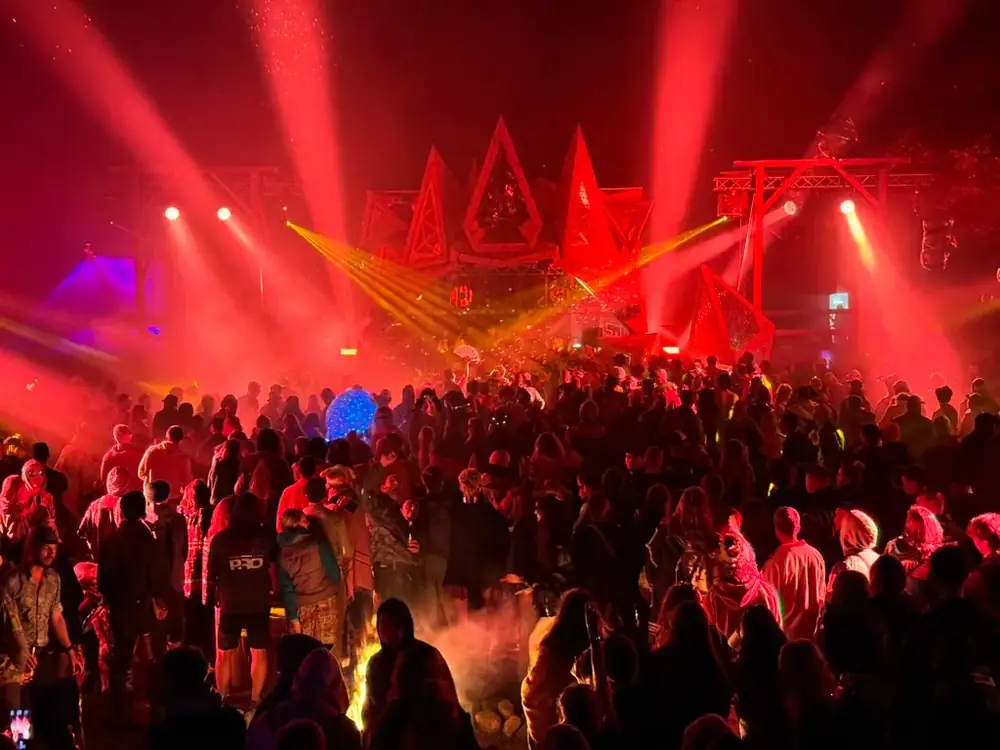
How to build community between conferences and meetups
How to stay in touch with attendees after a conference: meetup examples, the host’s role and ideas for your first month working with a community.
 What’s new
Why we built Hi Events from scratch
Why did the Meeting Application team create Hi Events? On organisers’ experience, a new brand and joining registration with the event app.
 Registration & tickets
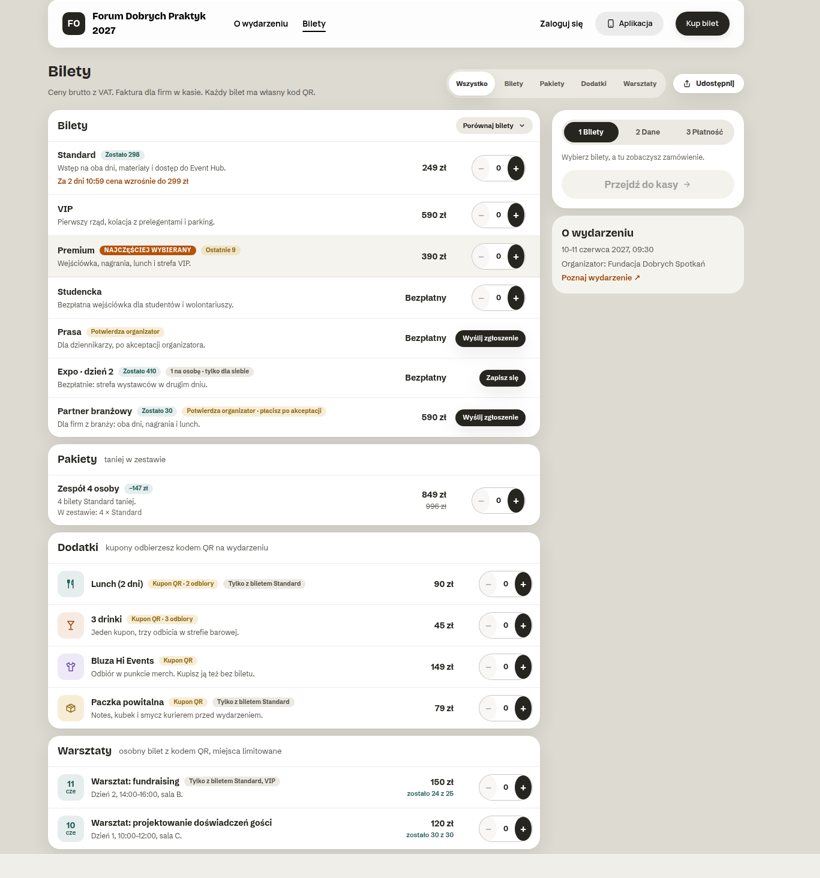
One event, many audiences. Advanced ticket sales and group communication in Hi Events
Members pay less, partners get hidden tickets, the press gets in after approval and VIPs have their own channel and separate emails. All at one event.
 Planning
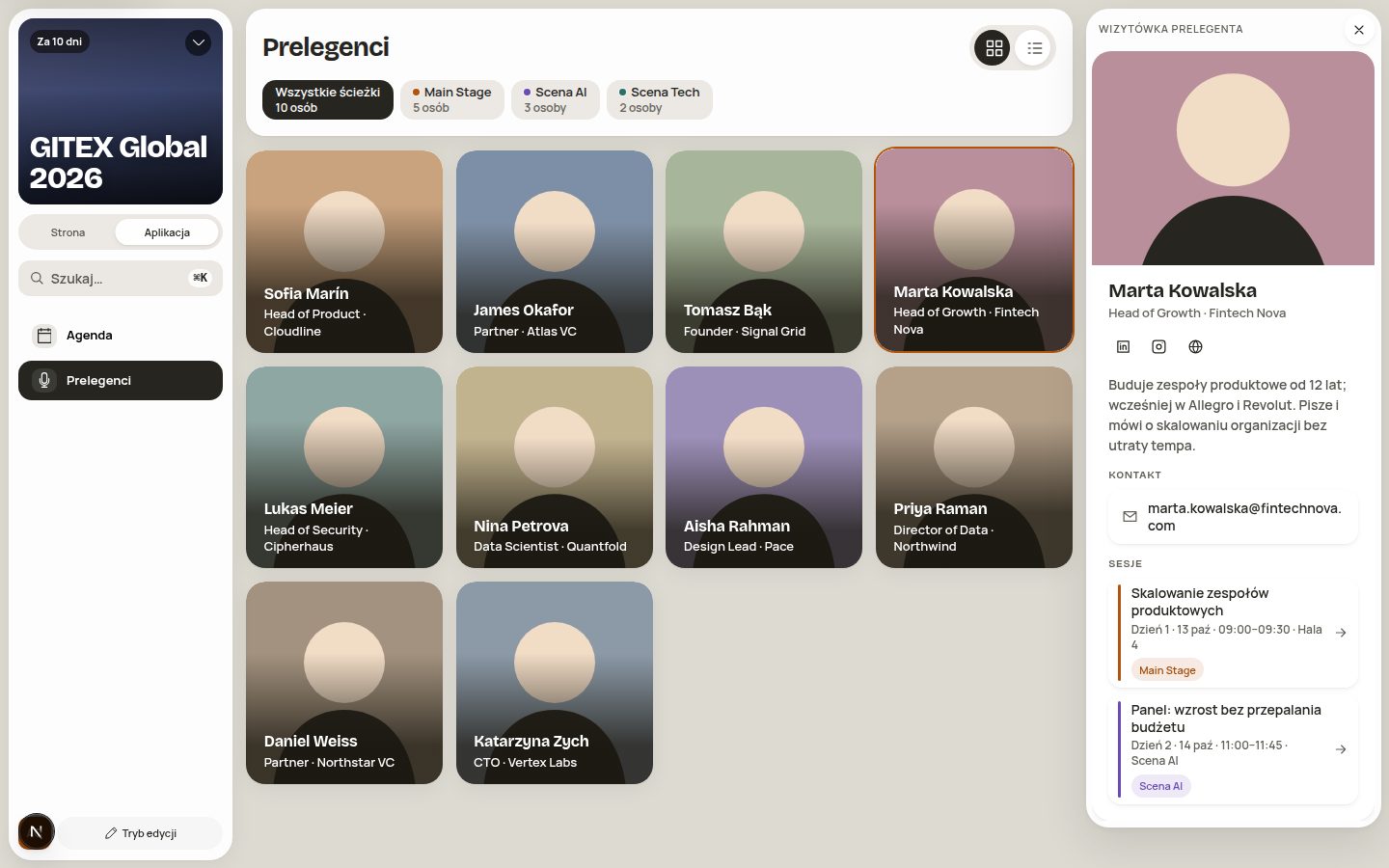
Conference planning without the chaos. 8 problems Hi Events solves
The programme in Excel, sign-ups in a form, speaker bios in four emails. Eight organiser problems and real screens from Hi Events.
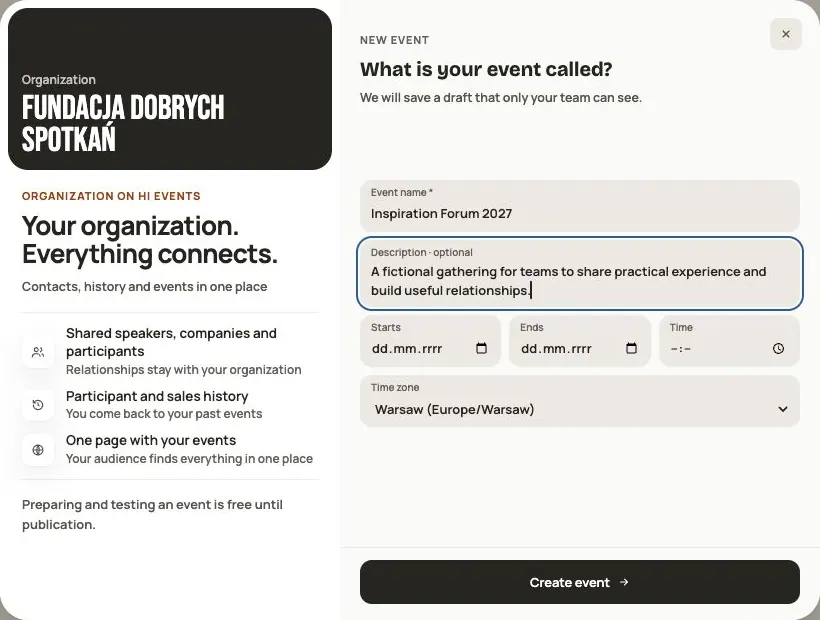 Help
Your first event, step by step
From draft to publication: name and dates, consents, tickets, content, modules, credits and the „Publish event” button.
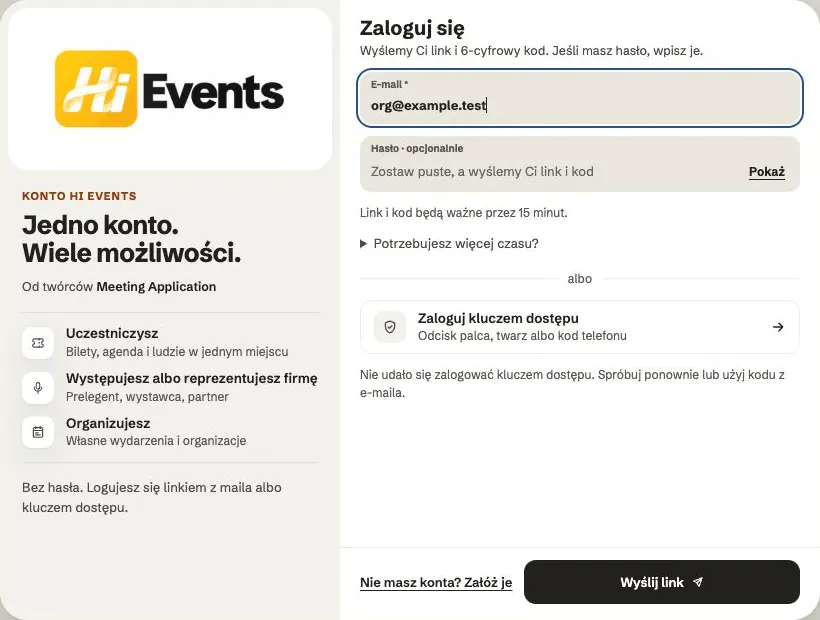 Help
Signing in: link, code, password and passkey
Four ways to sign in to Hi Events, how to set or change your password, and how to sign in with your fingerprint.
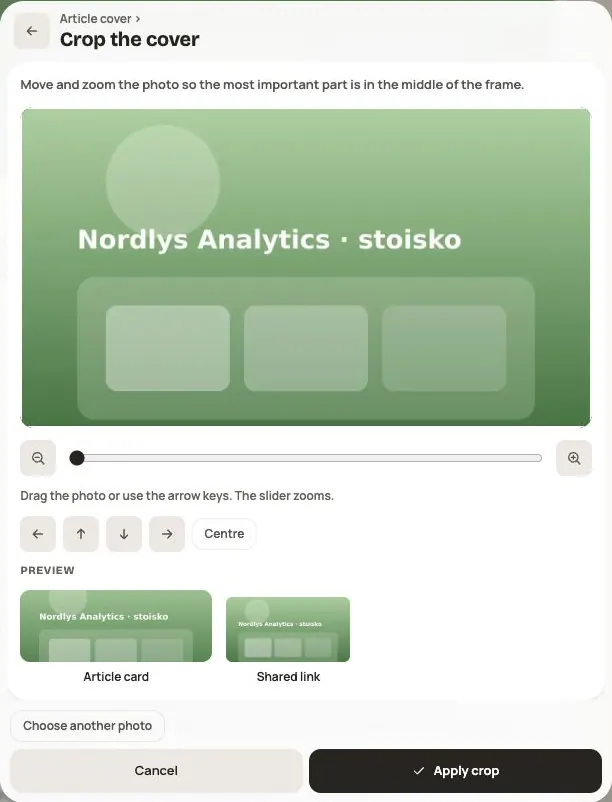 Help
Photos and files: formats and limits
Which photos you can add, how big they can be, and what to do when a file won't upload.
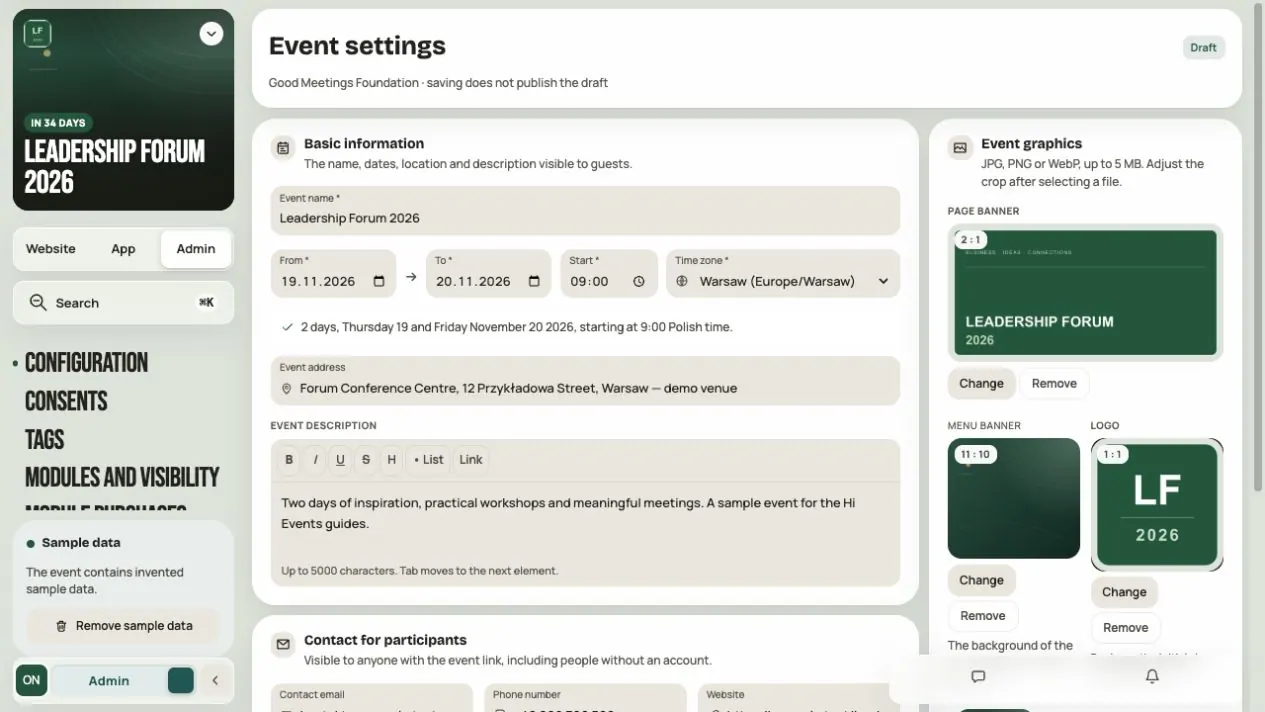 Help
Admin panel — prepare and launch your event
Set up event details, invite your team, choose modules and audiences, check readiness and publish the event.
 Help
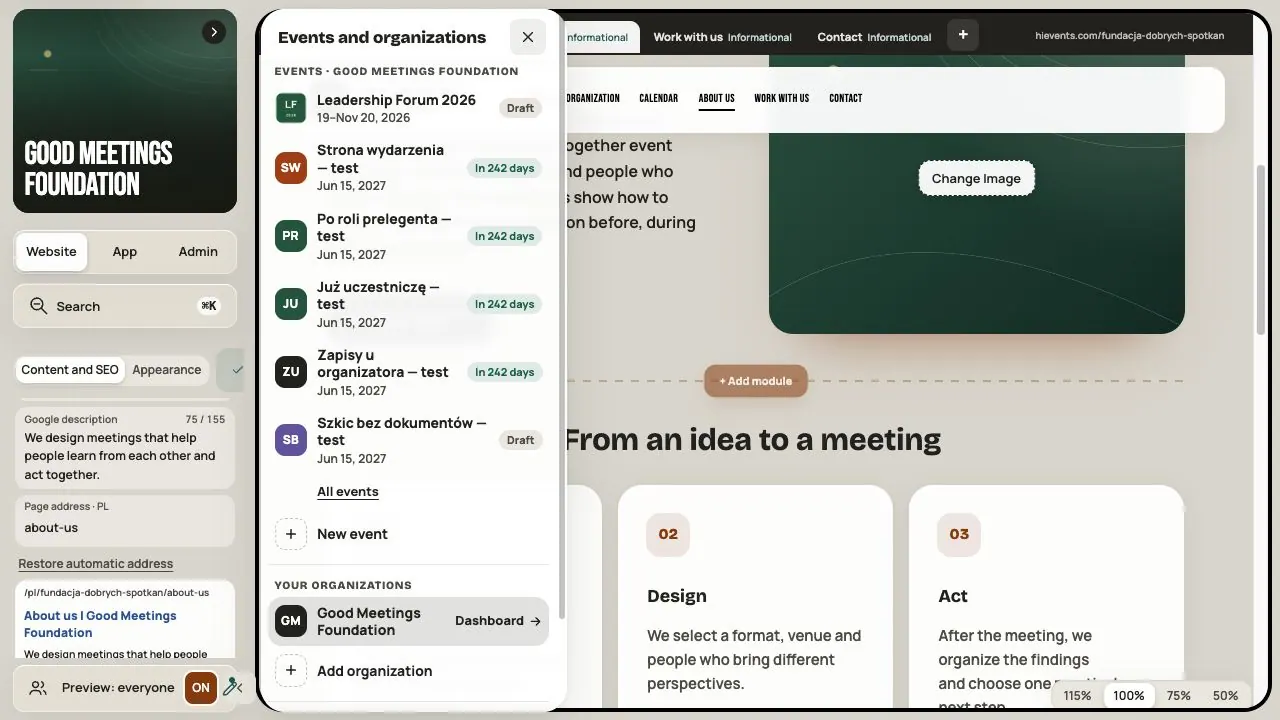
Organization — set up the profile, website and community
Complete the organization profile, gather your events on one website with a Calendar and start a community between events.
 Help
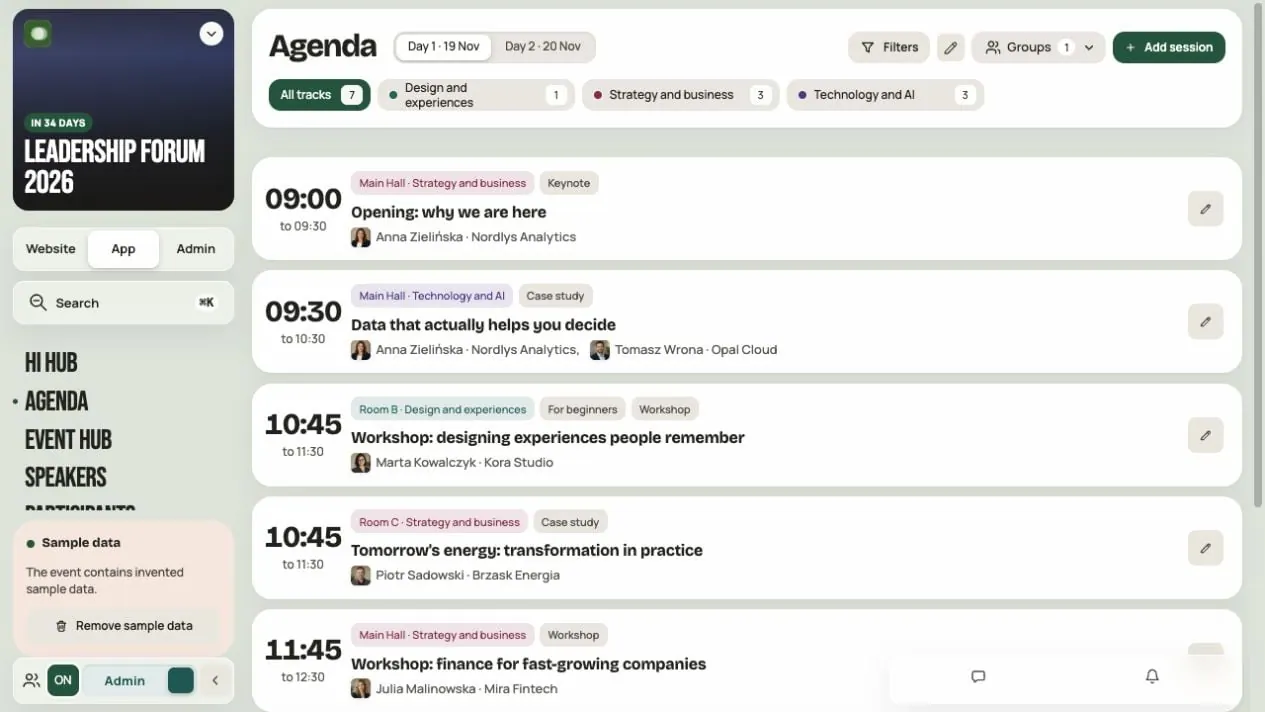
How to build your event agenda
Add sessions and breaks, pin speakers and check the program the way a participant will see it.
 Help
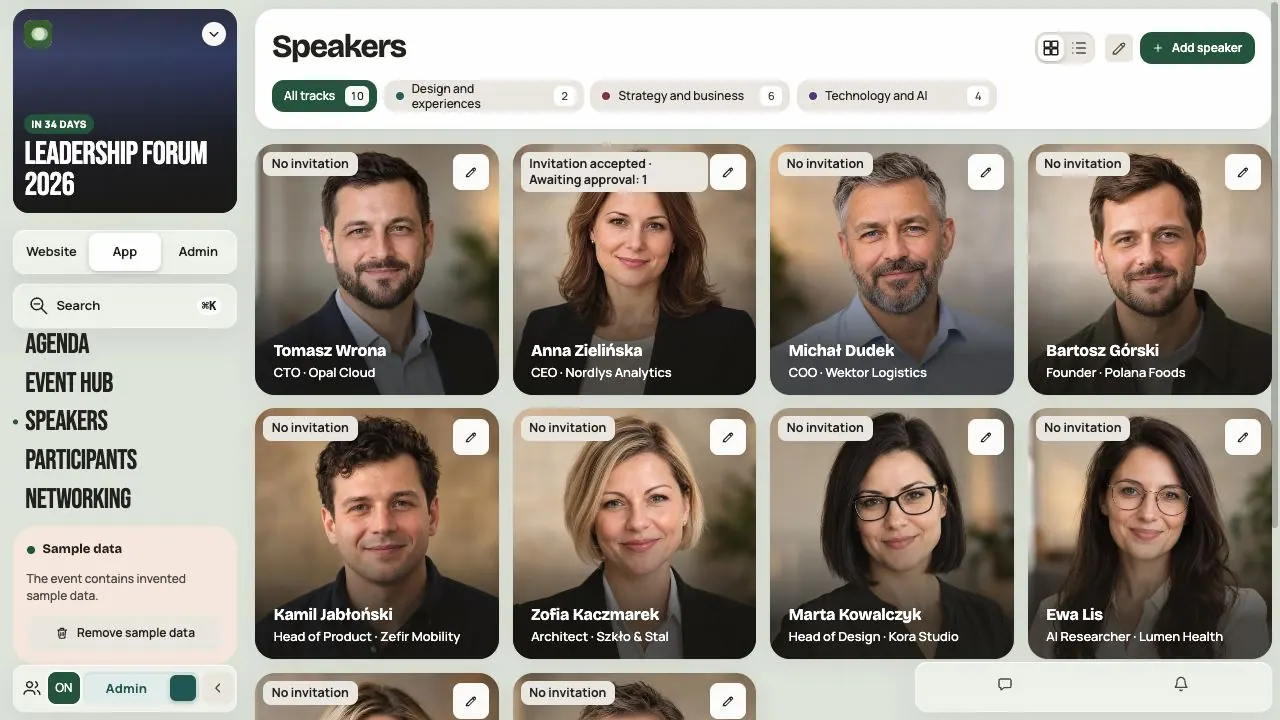
How to add speakers and invite them to work with you
Prepare speaker cards, pin sessions, invite speakers and approve their changes, including talk titles.
 Help
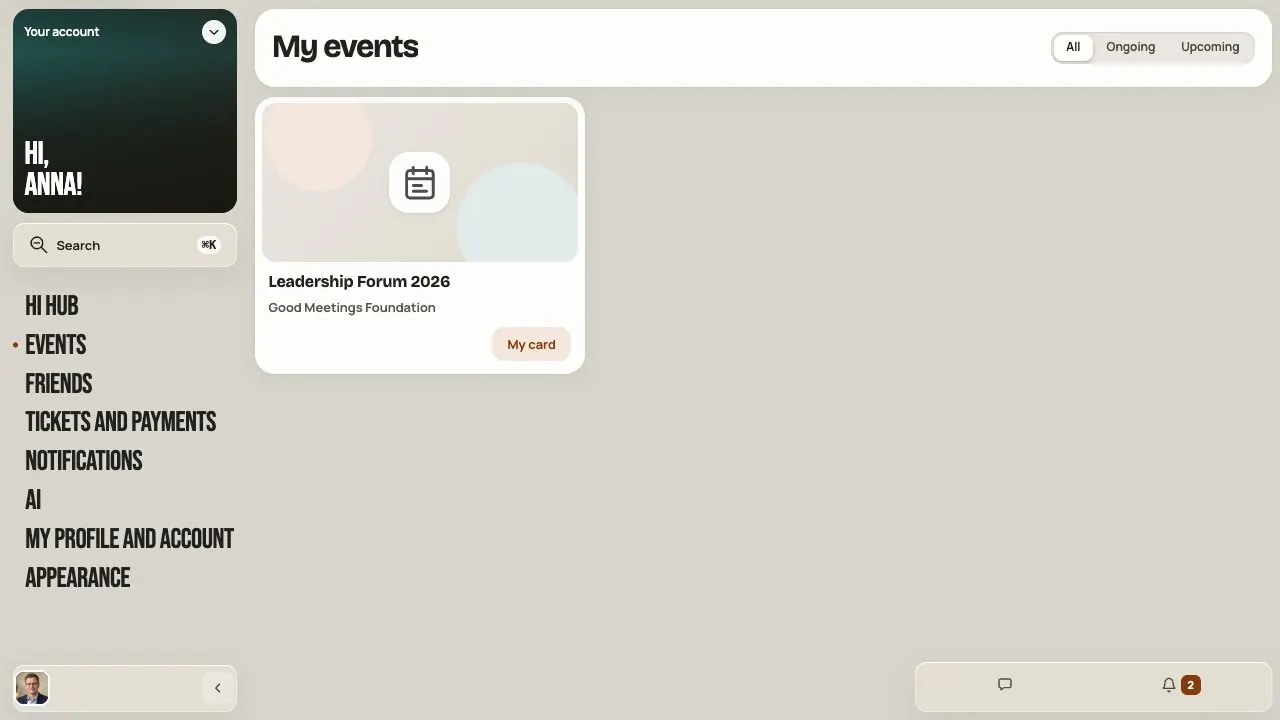
Speaker and company manager — from invitation to a finished card
Accept the invitation, complete your speaker or company card, enter your talk title and send changes to the organizer.
 Help
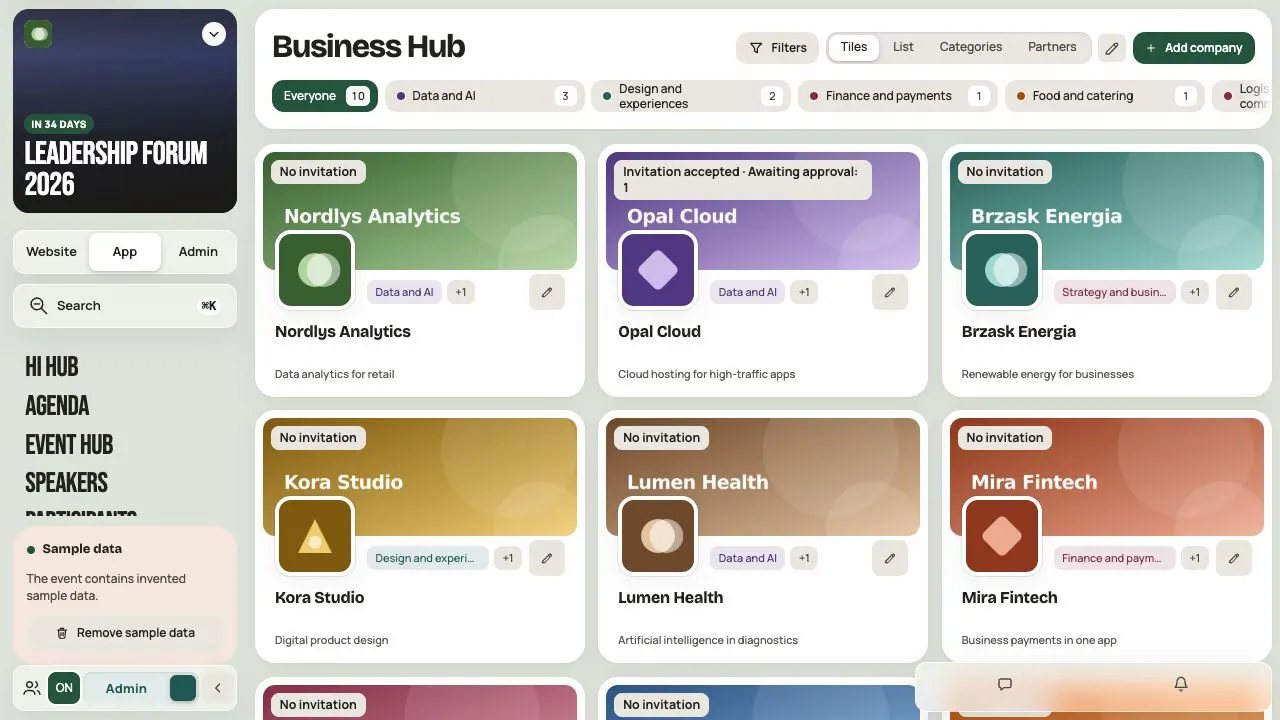
Business Hub — set up companies, partners and exhibitors
Add company cards with a logo, description and contacts, invite company managers and approve their changes.
 Help
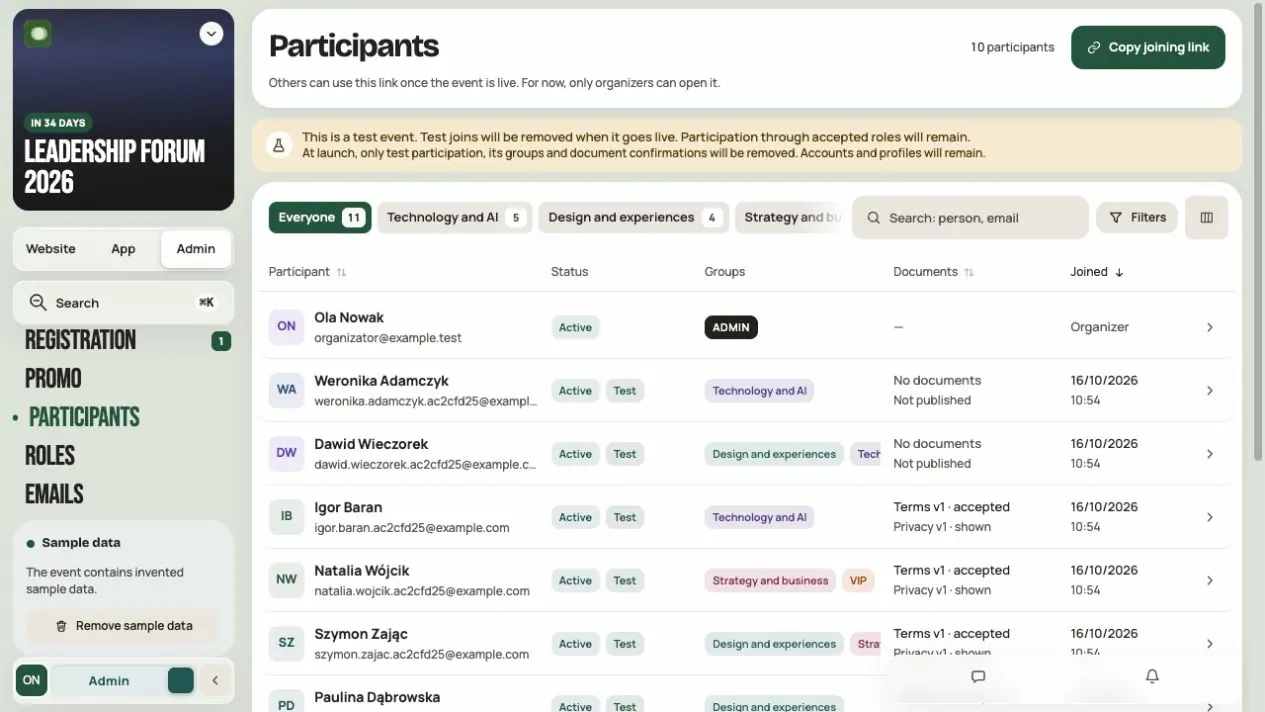
Participants and groups — organize people and access
Invite people with a link, find them in the list, assign them to groups and decide what each group sees.
 Help
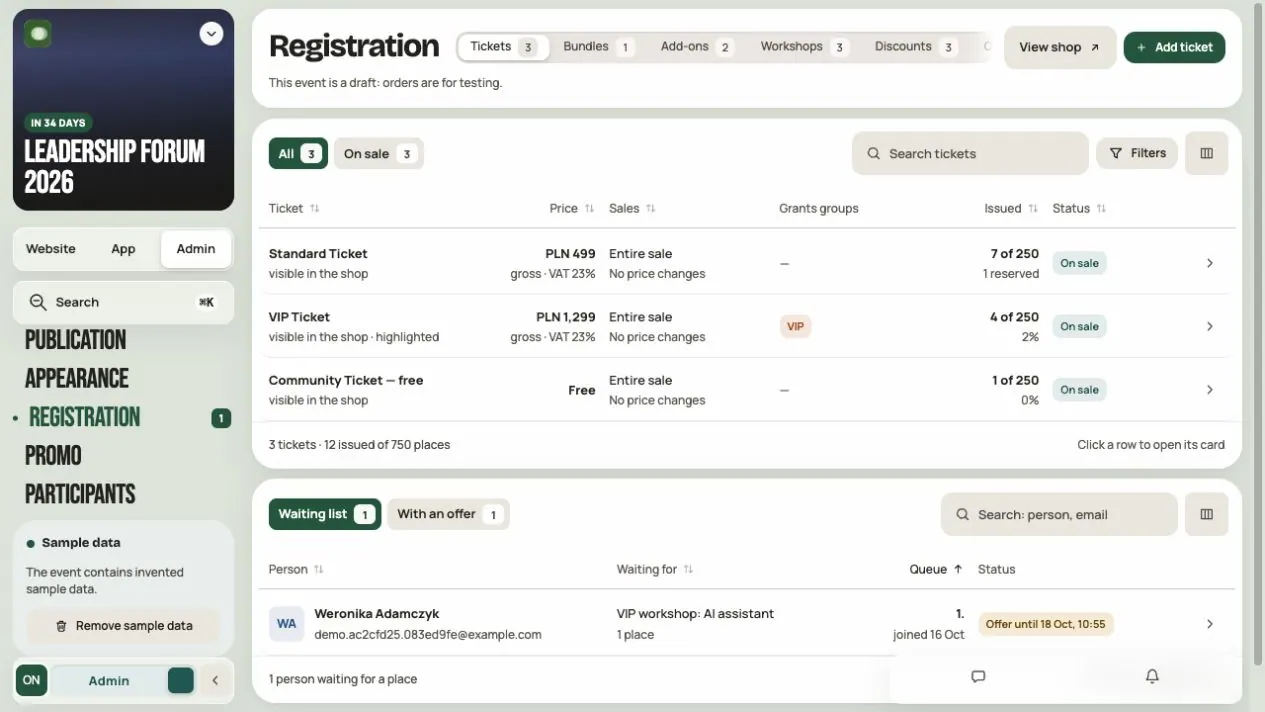
Registration and tickets — build your offer and handle sign-ups
Add tickets, workshops, add-ons and bundles, set the sales rules and handle orders, applications, refunds and the waiting list.
 Help
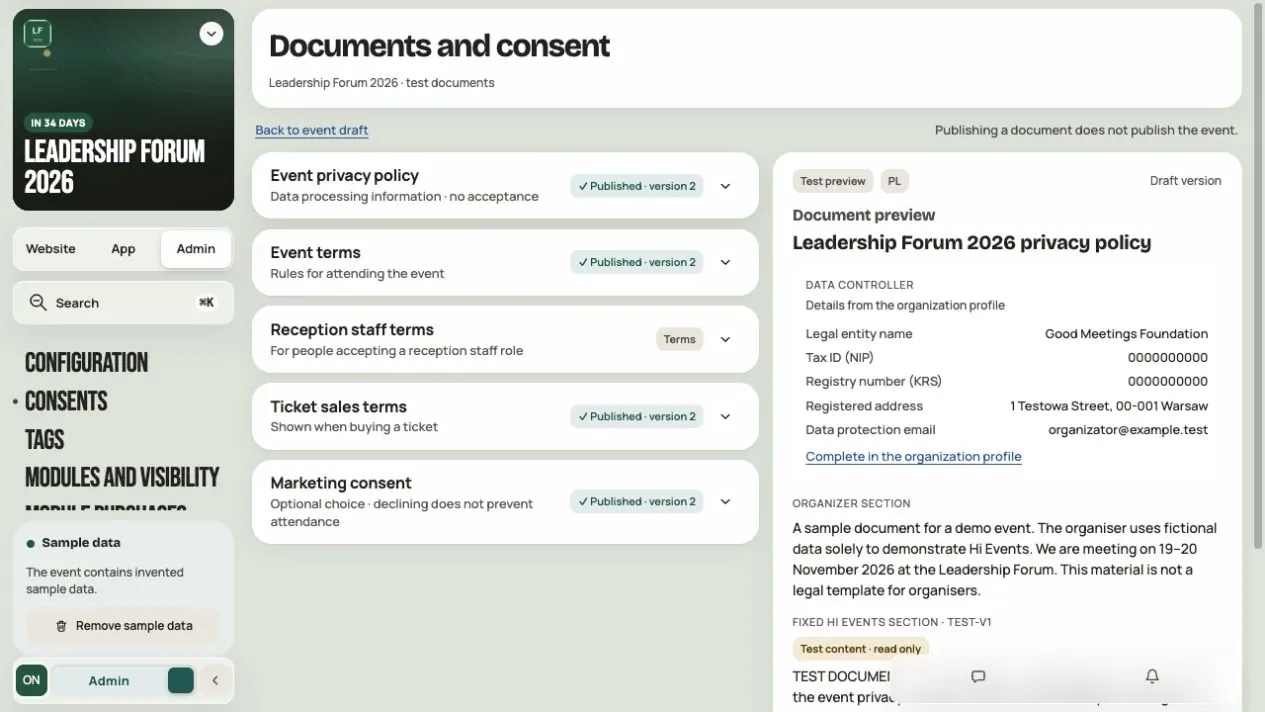
Consents and terms — prepare your event documents
Prepare the privacy policy, terms and marketing consent, publish the right version and check who accepted what.
 Help
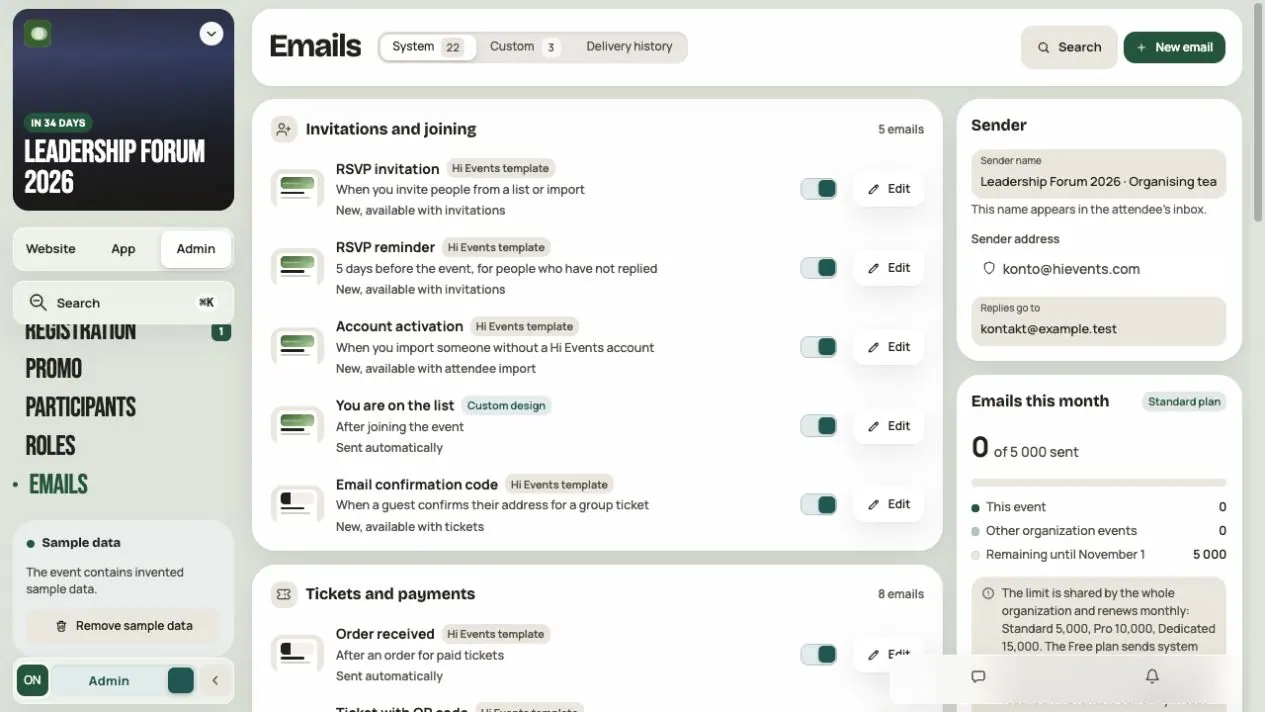
Emails — prepare messages that guide participants
Set the sender, adjust system emails, build your own email, check it with a test and send or schedule it.
 Help
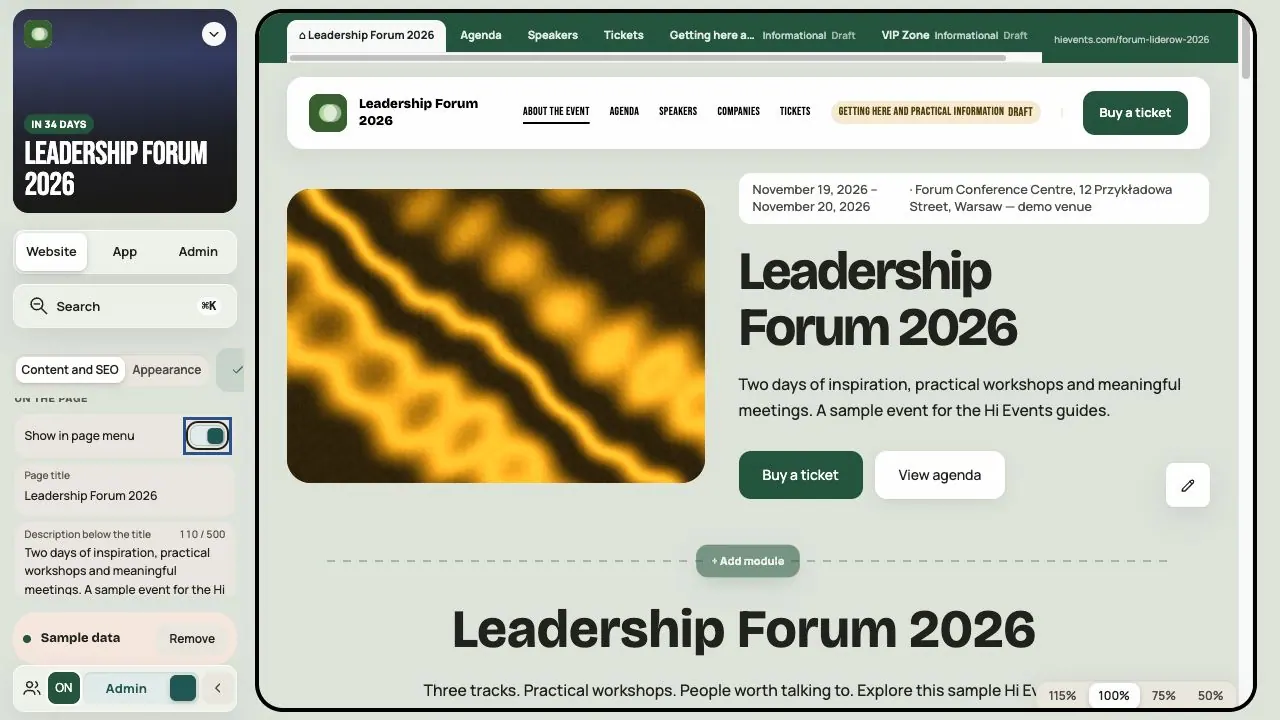
Event website — build a page that leads people to take part
Build the page from ready-made modules, show the program, speakers and news, add subpages and set how it looks in Google.
 Help
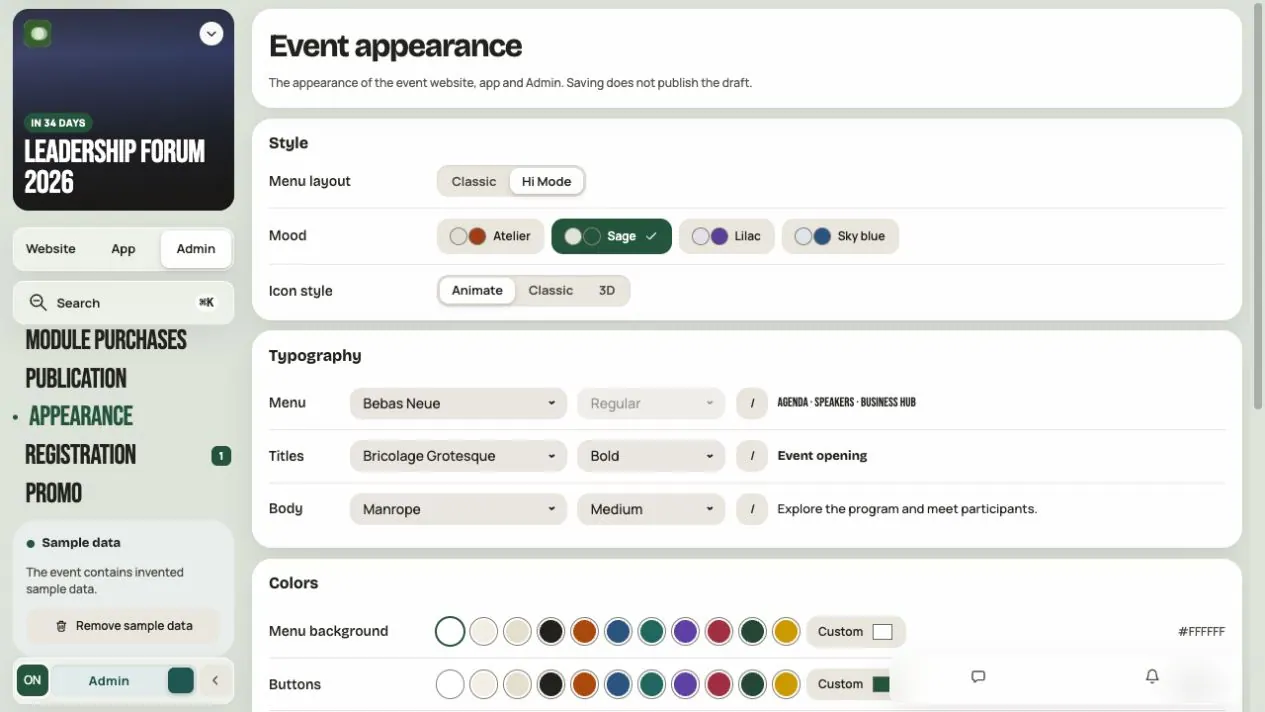
Appearance — give your event its own character
Choose Classic or Hi Mode and set colors, fonts, shapes and background. One theme works on the website, in the app and in Admin.
 Help
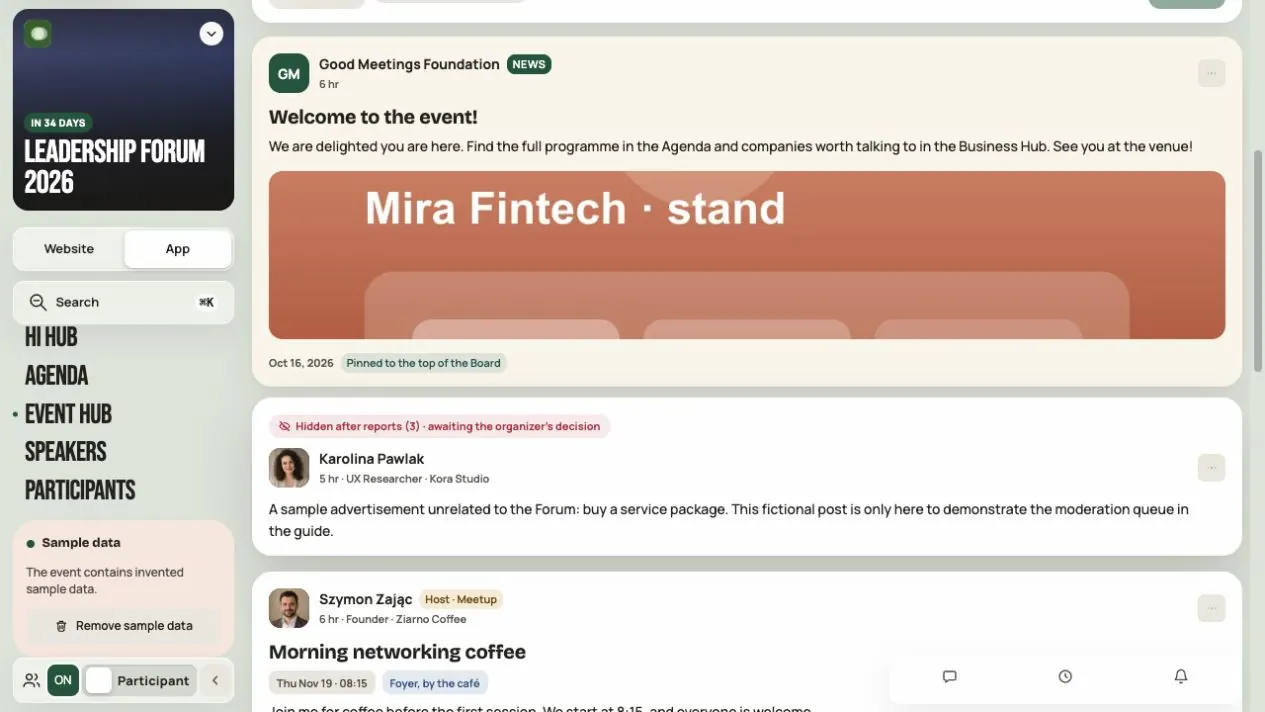
Event Hub — get conversations and communication going
Set up the Board and channels, publish announcements, polls and meetups, and moderate participant conversations.
 Help
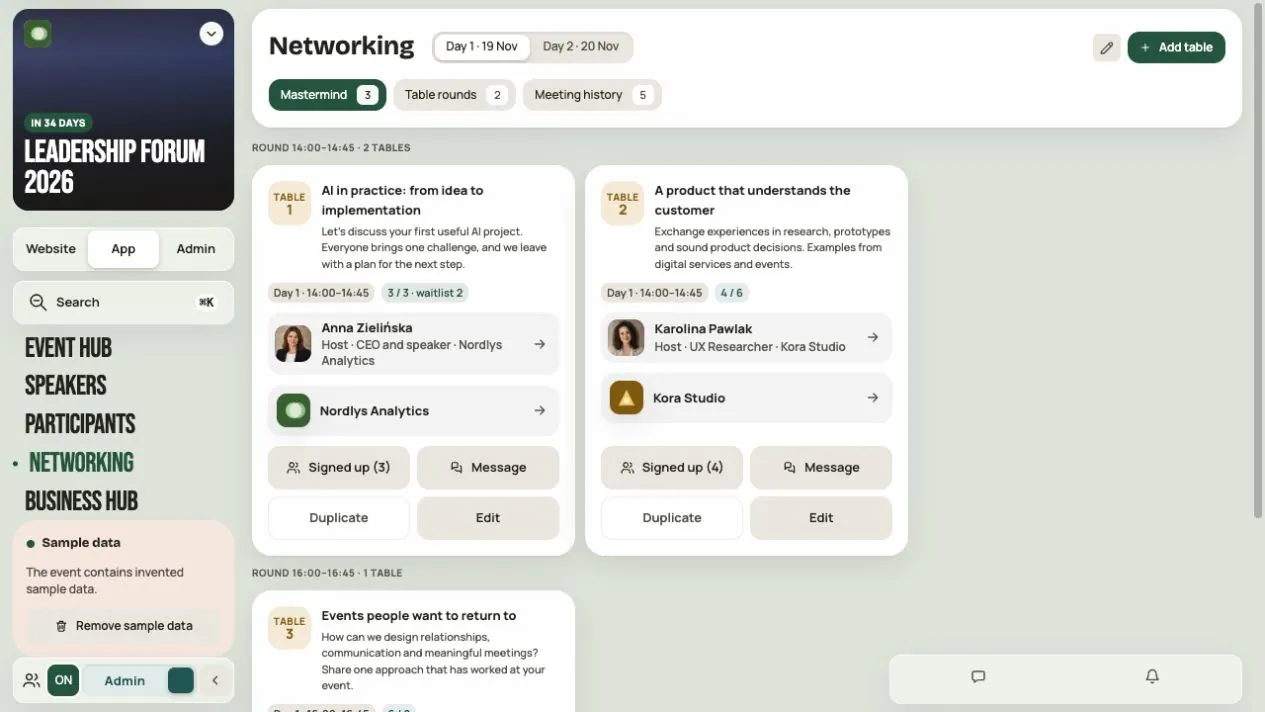
Networking — set up tables and meetings that matter
Set up Mastermind tables and meeting rounds, book 1:1 meetings for participants, set the rules and download the meeting history.
 Help
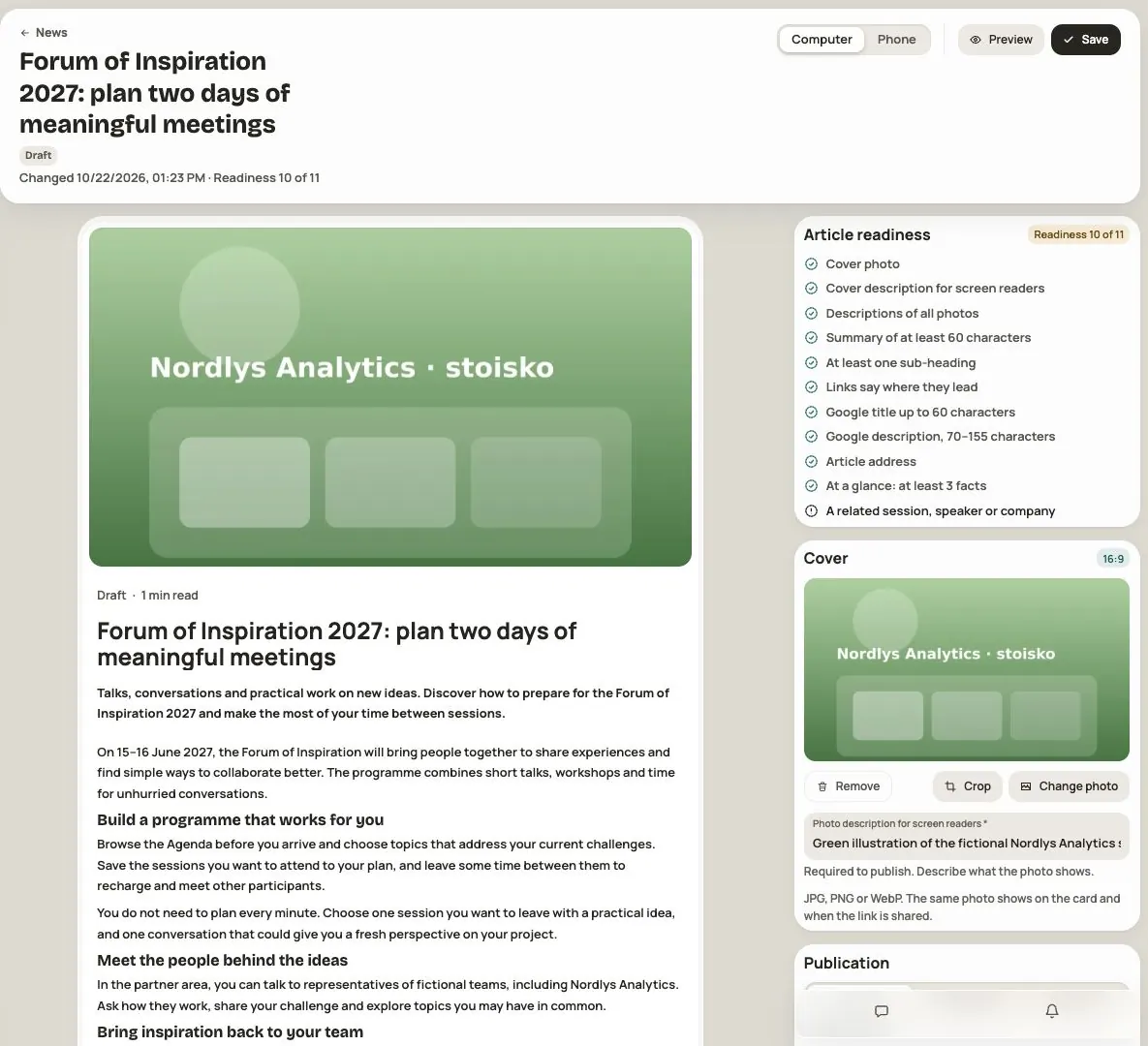
News — your event’s articles
Write articles for everyone or for chosen groups, show them in the app and on the event website, and track views.
 Help
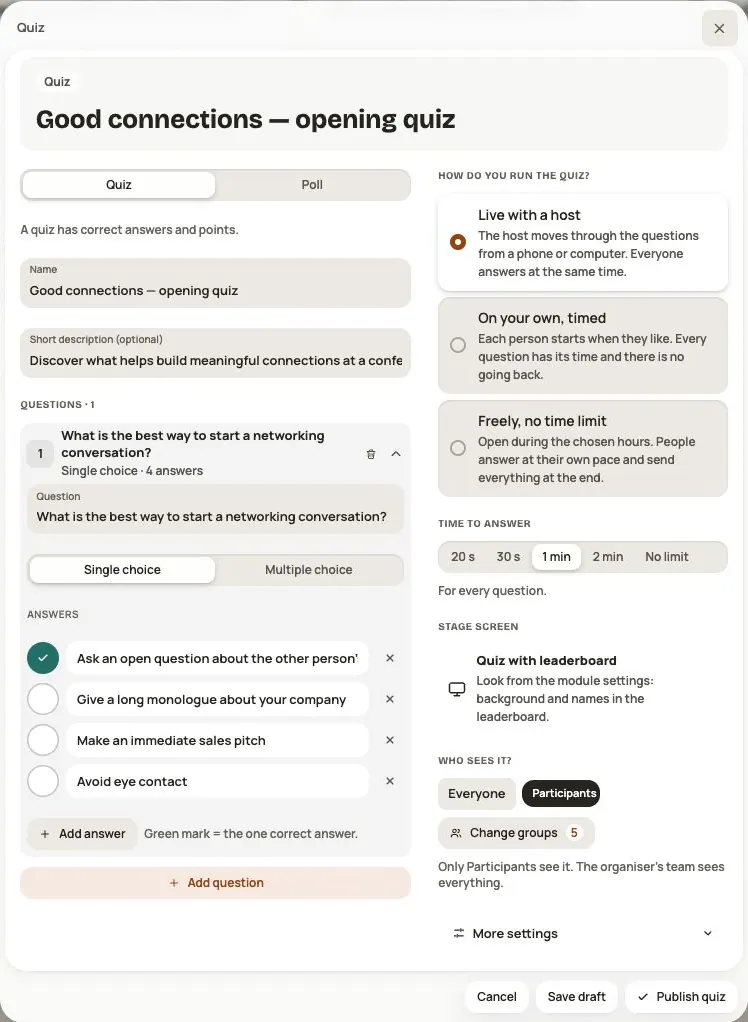
Polls and quizzes: how to prepare and run them
Quizzes with a leaderboard and polls, live, timed or at your own pace. How to prepare them, host them and show them on stage.
 Help
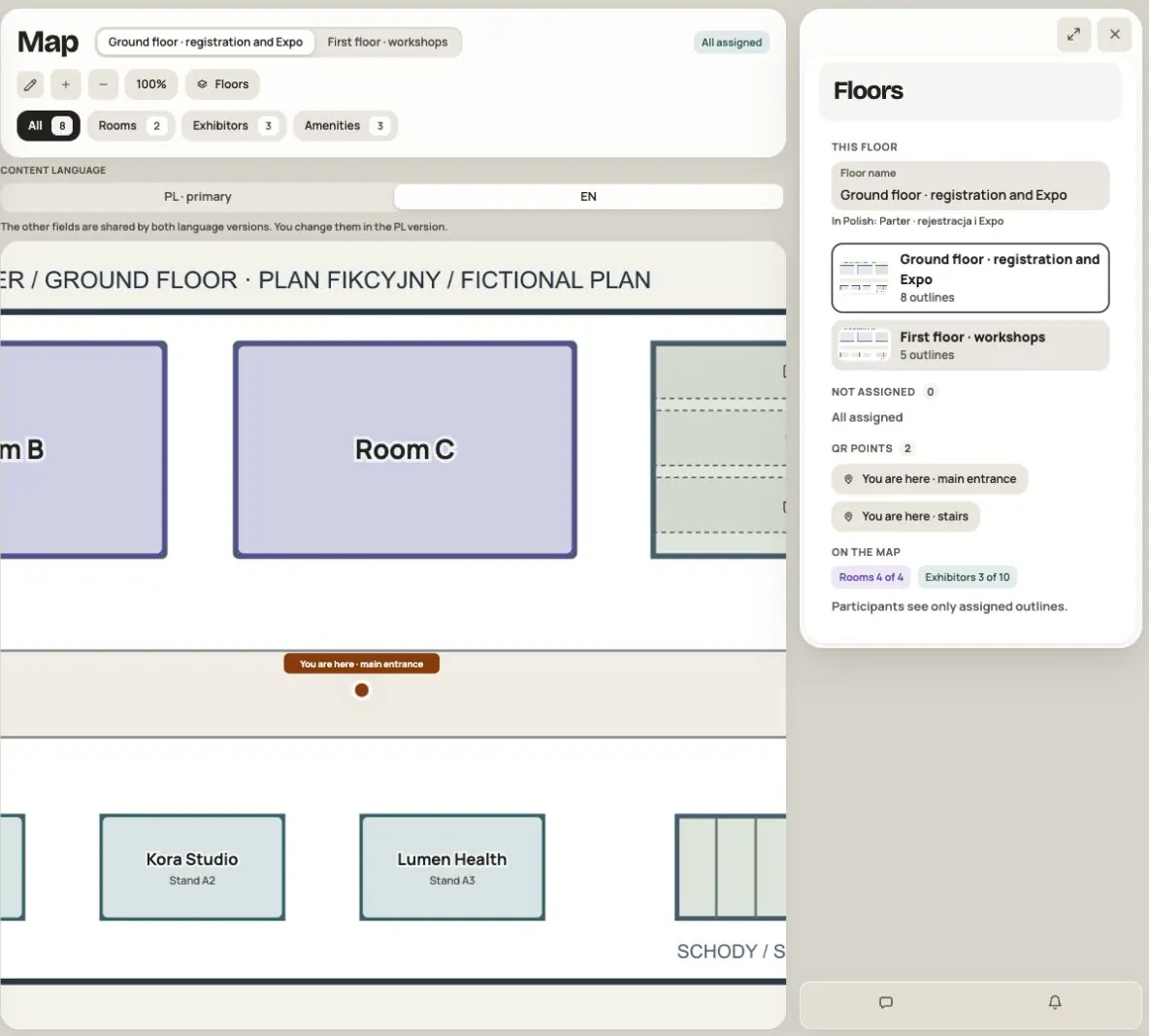
Map — show rooms, stands and useful places
Upload floor plans, connect Agenda rooms and Business Hub companies, and prepare “You are here” QR codes.
 Help
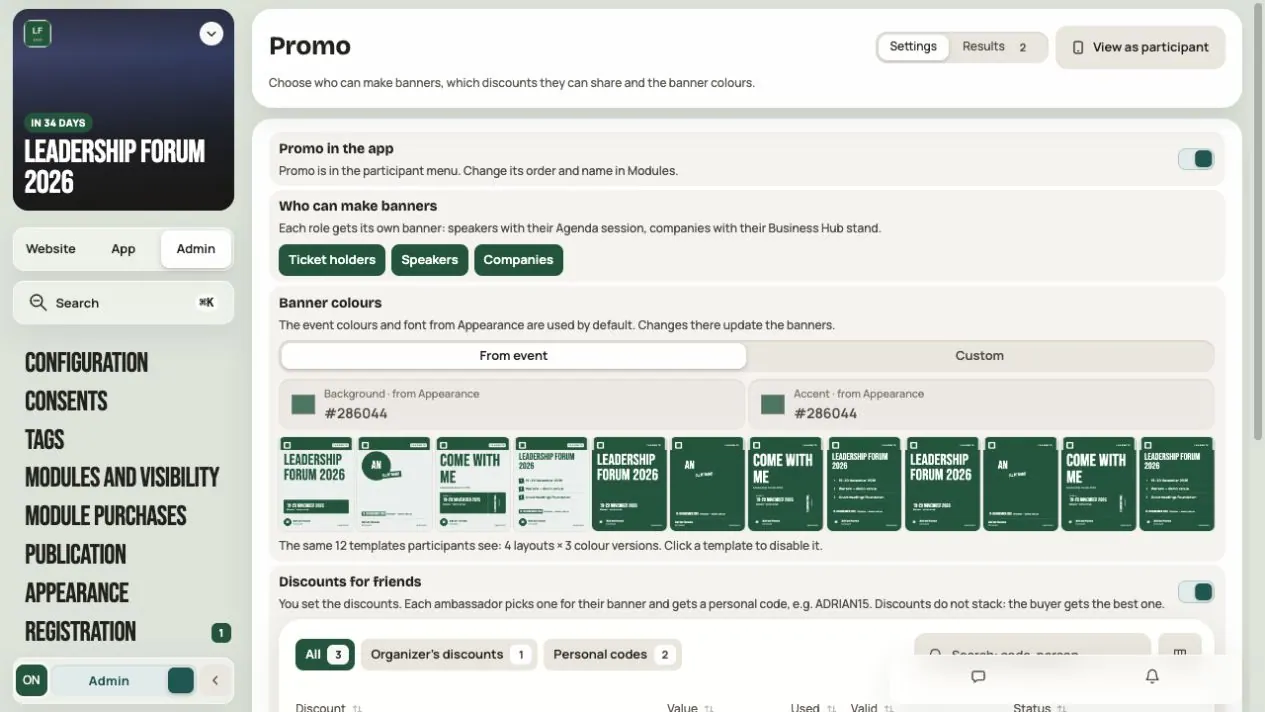
Promo — prepare banners and event referrals
Turn on Promo and choose roles, templates and discounts for friends. Participants, speakers and companies make banners and share the event with their own code.
 Help
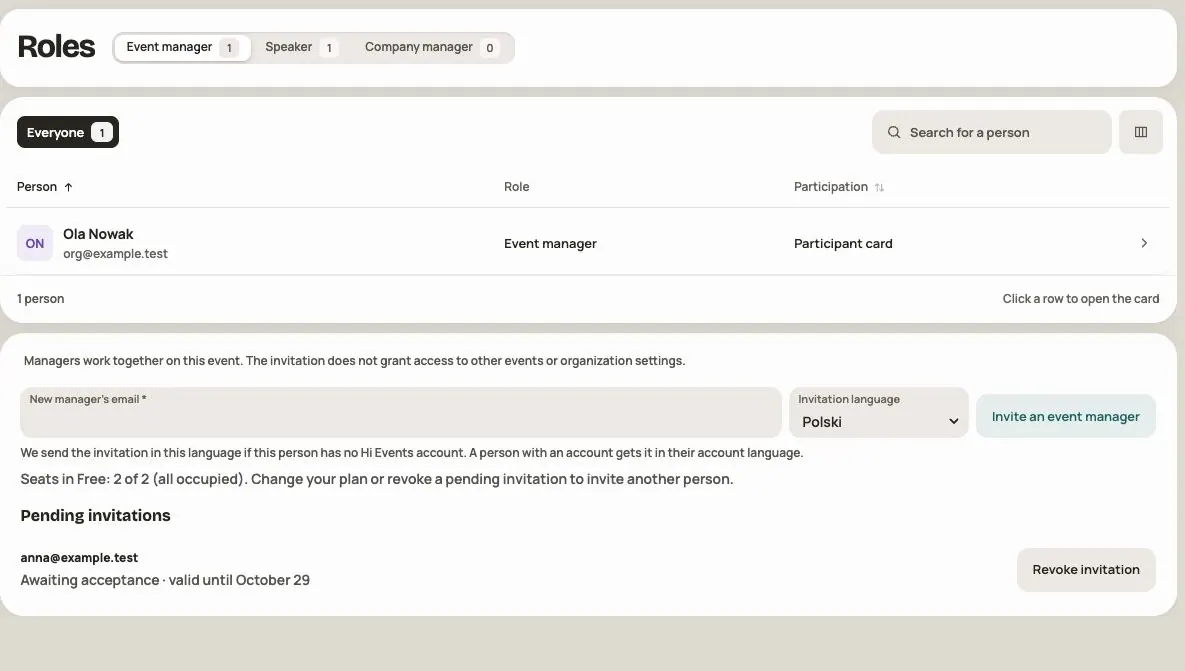
Your team: organization managers and event managers
Who can do what, how to invite an event manager, how many seats your plan gives you and what to do when an invitation expires.
 Help
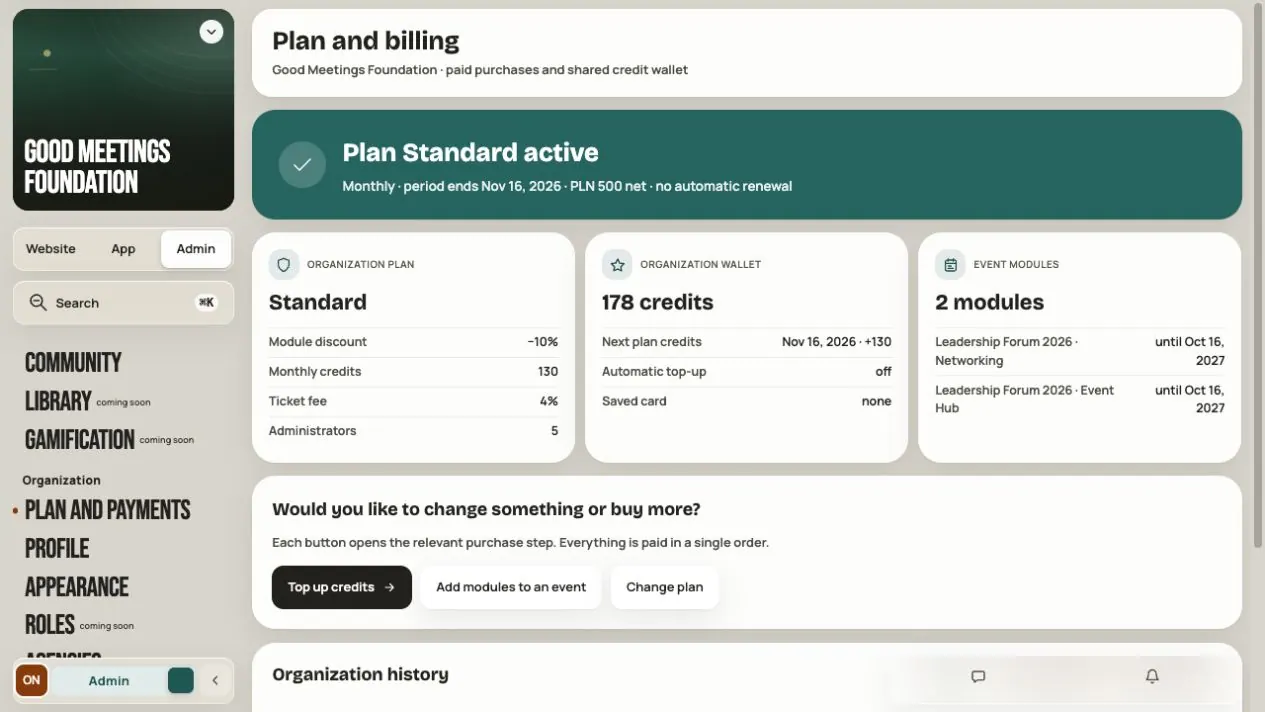
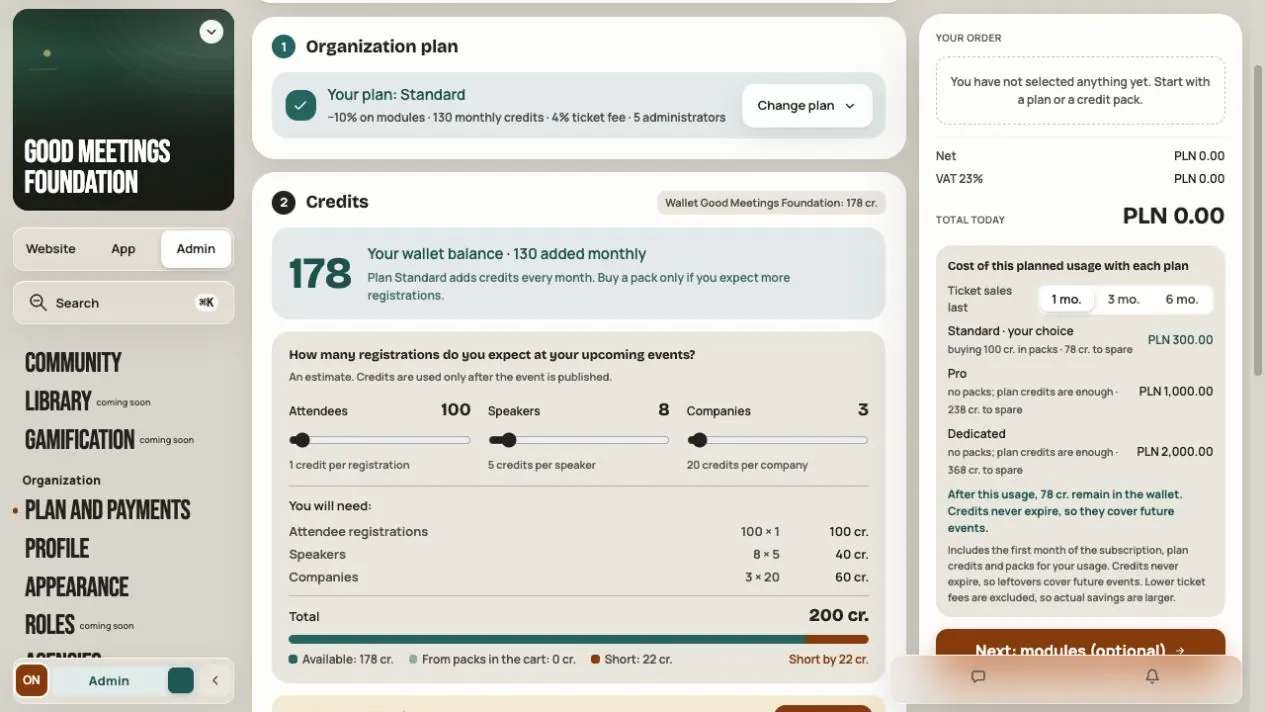
Pricing, credits and subscriptions — understand Hi Events costs
See what a subscription includes, how many credits you need, what modules cost and where to find your purchase history.
 Help
How pricing works in Hi Events: plans, credits, modules and offers
All the costs in one place. What you pay for, when credits are used and what an example event costs.
 Help
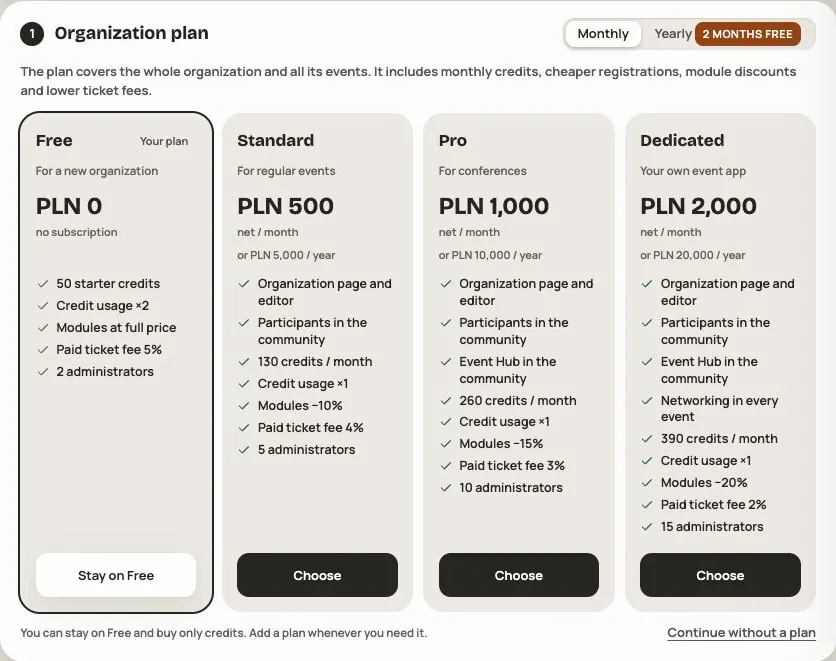
Free, Standard, Pro and Dedicated plans
Prices, monthly credits, ticket fees, number of administrators and what each plan unlocks.
 Help
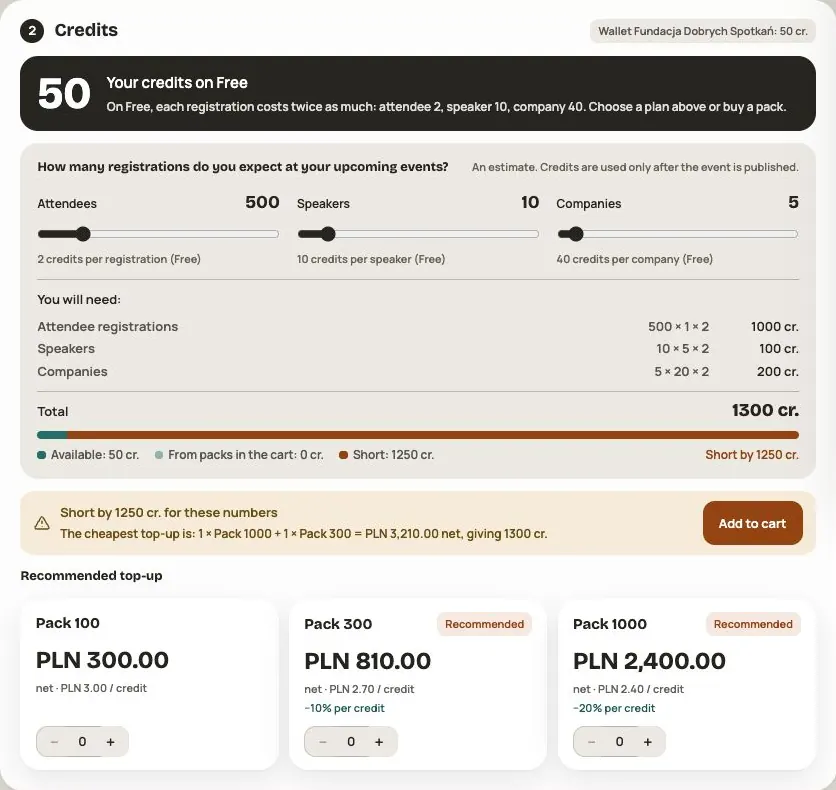
Your organization’s credit wallet
Where credits come from, when they are used, what happens when they run out and how to turn on automatic recharge.
 Help
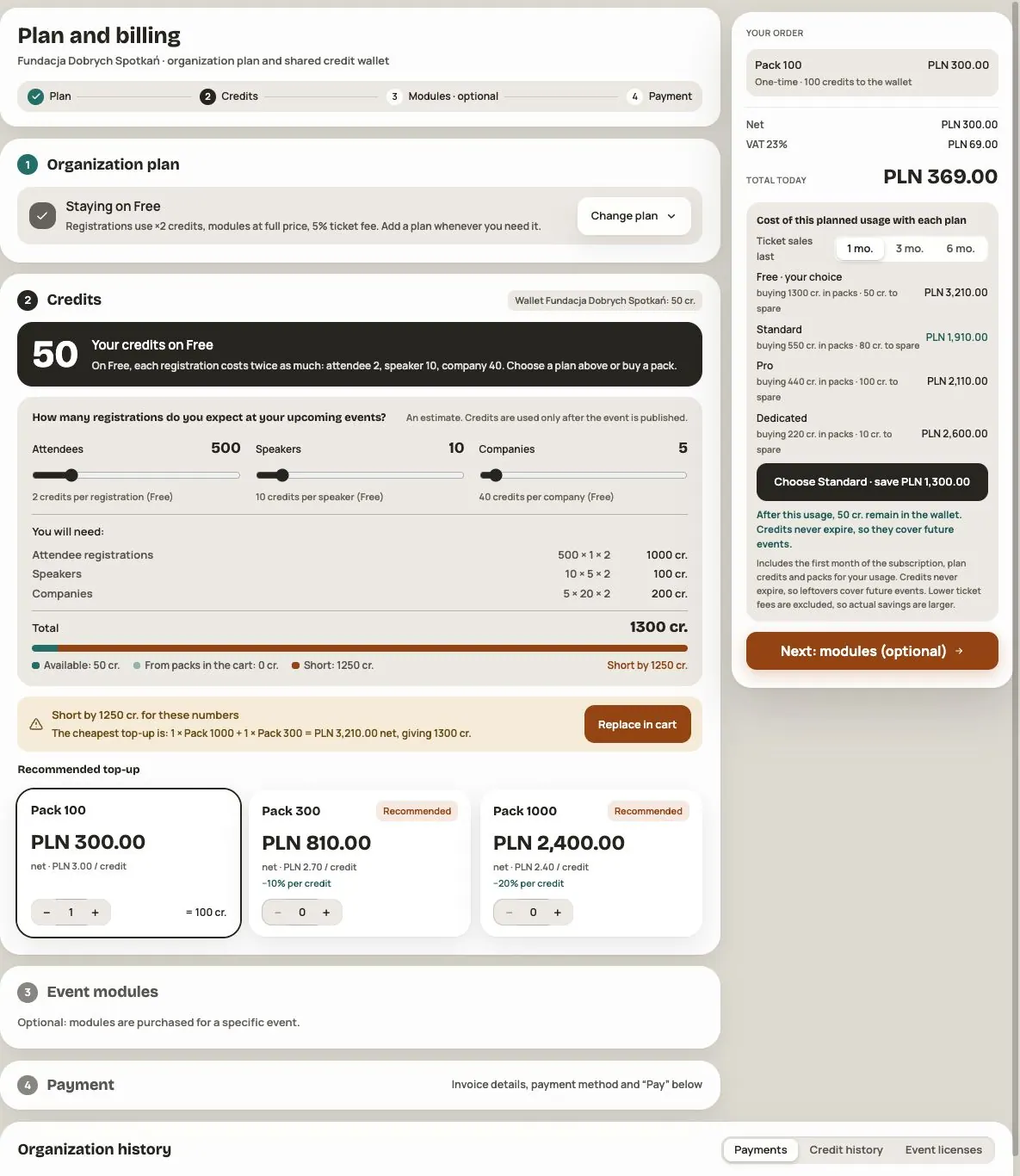
Purchases and payments in Plan and payments
How to buy a plan, credits and modules in one order, how to pay, where to enter invoice details and where to find your history.
HelpAn offer from Hi Events — accept the terms and prepare your events
Open your personal invitation, review the offer and accept it in three steps covering organization details, documents and modules.
 Help
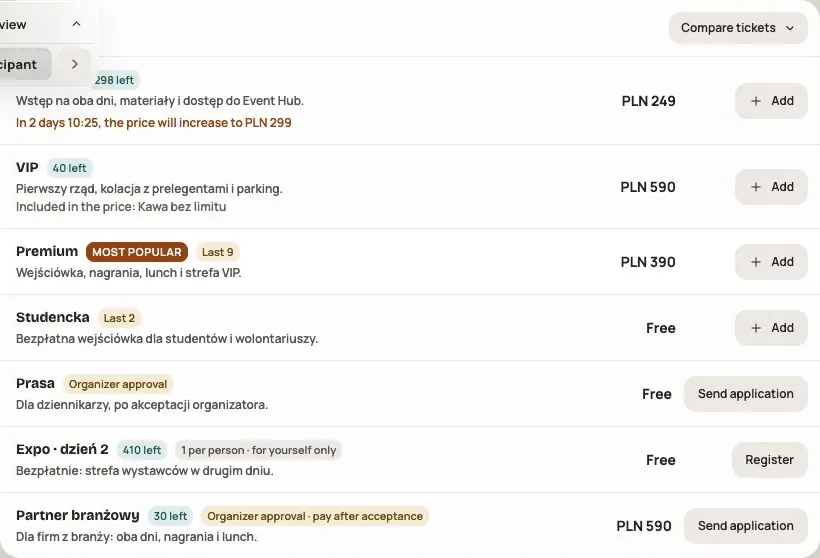
How to join an event and where to find my ticket
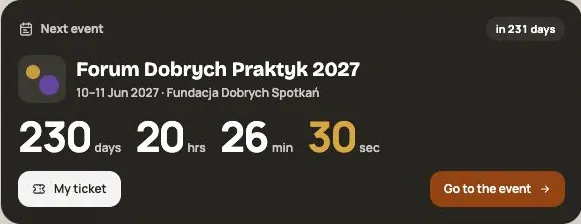
Registration, buying a ticket, the QR code, PDF, transferring and returning a ticket. Everything a participant does before the event.
 Help
The event app for participants
Hi Hub, My plan, Hi Dock with chat and notifications, Friends and your profile. How to use Hi Events during an event.
Your community
starts with a meetup.
Join the beta and get your first event free
- 1Sign up for the beta
Leave your details in a short form and join the waiting list.
- 2Get your invitation
We'll let you know when we open Hi Events for you.
- 3Build your first event
Once you have access, you'll prepare your event website and explore what the platform can do.