
Your organization’s credit wallet
Where credits come from, when they are used, what happens when they run out and how to turn on automatic recharge.

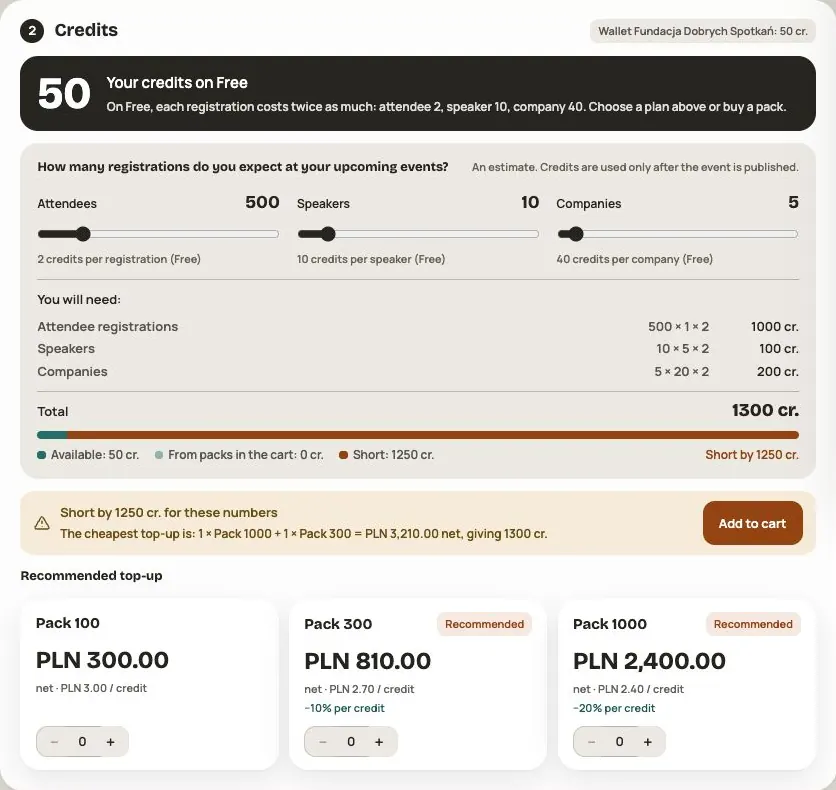
Credits are the currency you pay with for the people in your events. Every organization has one shared wallet. Credits in the wallet work in all of the organization's events and never expire.
You find the wallet in your organization, under Plan and payments. The people who manage the organization can see it and top it up.
How much one person costs
| Who | Credits |
|---|---|
| A participant registering with a free ticket | 1 |
| A registration with a paid ticket | 0 (the ticket fee applies instead) |
| A speaker | 5 |
| A company | 20 |
On the Free plan every registration costs twice as much: a participant 2, a speaker 10, a company 40. From the Standard plan on, the prices in the table apply.
When credits are used
- Nothing is used in a draft. You can add speakers and companies and test the event with your team at no cost.
- When you publish, we take credits for the speakers and companies already in the event. Without them you can't publish.
- After publishing, credits are used as things happen: for free ticket issuance, new speakers and new companies. Paid ticket registrations use no credits.
Before you publish, you see exactly how many credits will be used and how many will stay in the wallet.
Where credits come from
- To start: an organization created through the standard flow gets 50 credits once. An individual offer can set a different starter allowance.
- From your plan: Standard gives 100, Pro 200 and Dedicated 300 credits every month. Until the end of 2026 you get 30% more each month (Standard 130, Pro 260, Dedicated 390).
- From packs you buy in Plan and payments → Top up credits:
| Pack | Net price | Per credit |
|---|---|---|
| 100 credits | 300 zł | 3.00 zł |
| 300 credits | 810 zł | 2.70 zł |
| 1,000 credits | 2,400 zł | 2.40 zł |
When the same order moves you to a higher plan, every pack comes with +10% extra credits.
- From referrals, when someone who signed up with your „Recommend Hi Events” link runs their first real event or pays for a plan.
- From the Hi Events team, for example as part of an offer. The organization's owner then gets an email saying how many credits were added.
Pack prices come from the application catalog checked on 27 October 2026. The app offers 100, 300 and 1,000 packs; do not assume that a pack shown in another calculator is available in your cart. The +30% monthly credit promotion ends on 1 January 2027 at 00:00 UTC.
A ticket discounted to zero also uses credits. A paid registration uses no credits and has a commission instead. Removing a person or profile is not a purchase or automatic wallet top-up.
What happens when credits run out
- Email warnings. When 10%, and then 5%, of the credits from your last top-up are left, the people who manage the organization get an email.
- A 50-credit reserve. When credits run out, registrations with free tickets still go through on a reserve until the balance reaches −50. This way registration doesn't stop in the middle of a campaign. The reserve is paid back automatically from your next top-up. You can't add speakers or companies on the reserve.
- Stop. When the reserve is used up, registrations with free tickets stop. Participants see a message that registration is paused for now. Buy a pack and registration starts again.
Automatic recharge
Check recharge status in Plan and payments. Find the Automatic recharge switch in an event under Admin → Publication → Credits. It applies to the organization's shared wallet.
When an action needs more credits, the system attempts to buy a 100-credit pack for PLN 300 net with the saved card. A larger shortfall can require several packs. Check the amount and tax on your screen. The 10% and 5% warnings are not purchase thresholds.
The bank can decline a recharge or leave it pending. The switch alone does not guarantee uninterrupted registration. Check the result and wallet balance. Automatic recharge does not renew the plan.
Automatic recharge needs a saved card. A card can be saved after paying by card, Apple Pay or Google Pay. Confirm that the panel shows a saved card; selecting a method alone does not save it. BLIK and bank transfer pay for one order only and don't save a card.
Credit history
In Plan and payments → Organization history → Credit history, see up to 100 recent movements: starting credits, pack purchases, plan credits, automatic recharges, event publication, registrations, speakers, companies and referral rewards. Each line shows the balance after the change. An older operation missing from this view does not mean it never happened.

Frequently asked questions
Do credits expire at the end of the month or plan?
No. Credits never expire. When your plan ends, new plan credits stop coming, but what is in the wallet stays.
I only sell paid tickets. Do I need credits?
Not for registrations. A paid ticket uses no credits; the ticket fee applies instead (Free 5%, Standard 4%, Pro 3%, Dedicated 2%). You only need credits for speakers and companies.
I have several events. Does each have its own wallet?
No. There is one wallet for the whole organization, and all its events use the same credits.
Can I get a refund for unused credits?
There is no such option in the app. Credits stay in your wallet and you can use them in your next events.
Read on
All articles →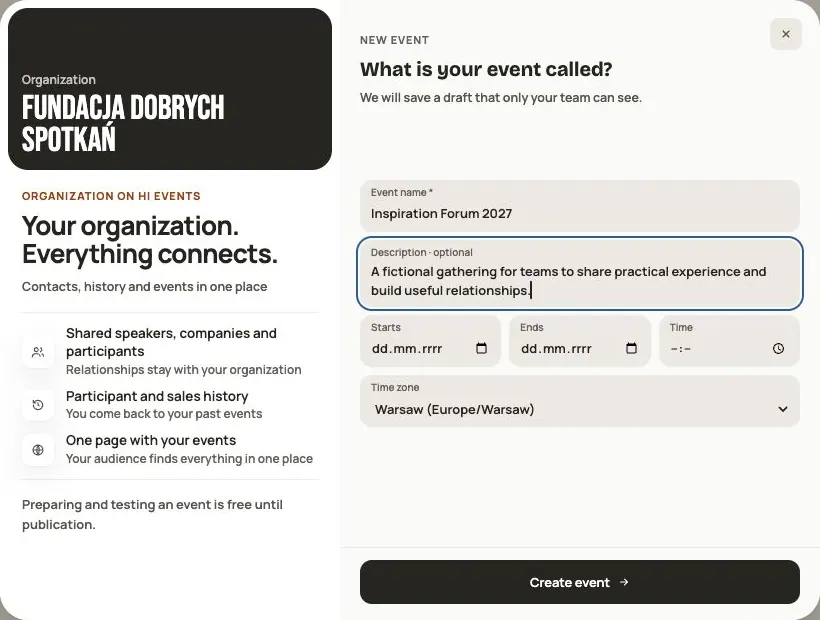 Help
Your first event, step by step
From draft to publication: name and dates, consents, tickets, content, modules, credits and the „Publish event” button.
 Help
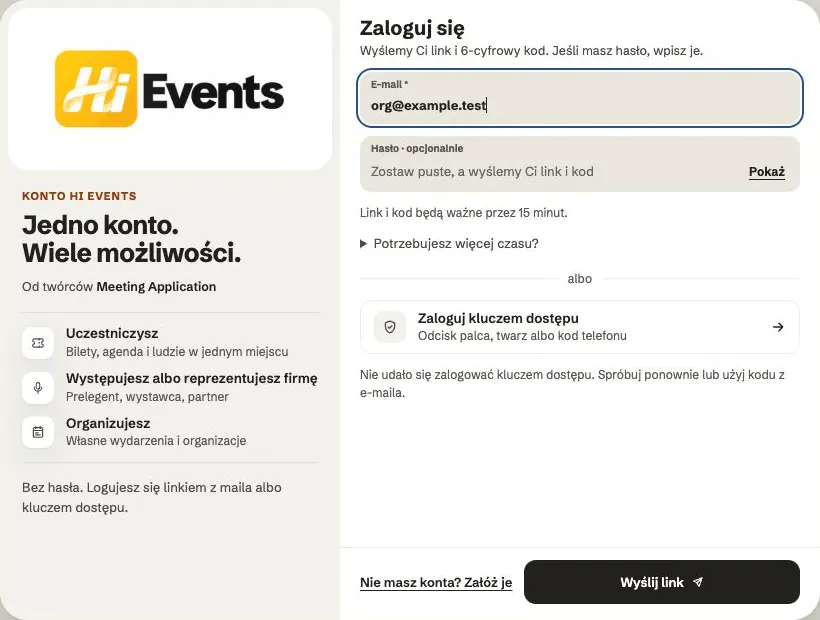
Signing in: link, code, password and passkey
Four ways to sign in to Hi Events, how to set or change your password, and how to sign in with your fingerprint.
 Help
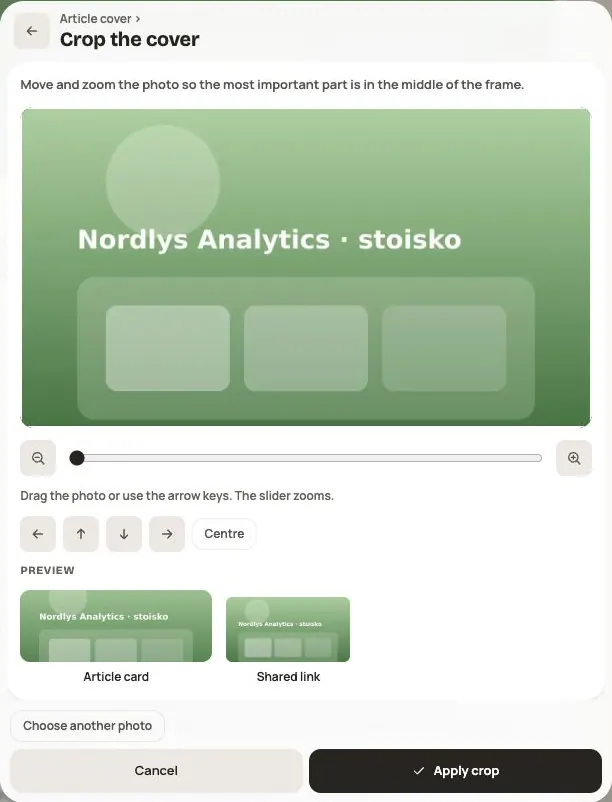
Photos and files: formats and limits
Which photos you can add, how big they can be, and what to do when a file won't upload.