
Pricing, credits and subscriptions — understand Hi Events costs
See what a subscription includes, how many credits you need, what modules cost and where to find your purchase history.

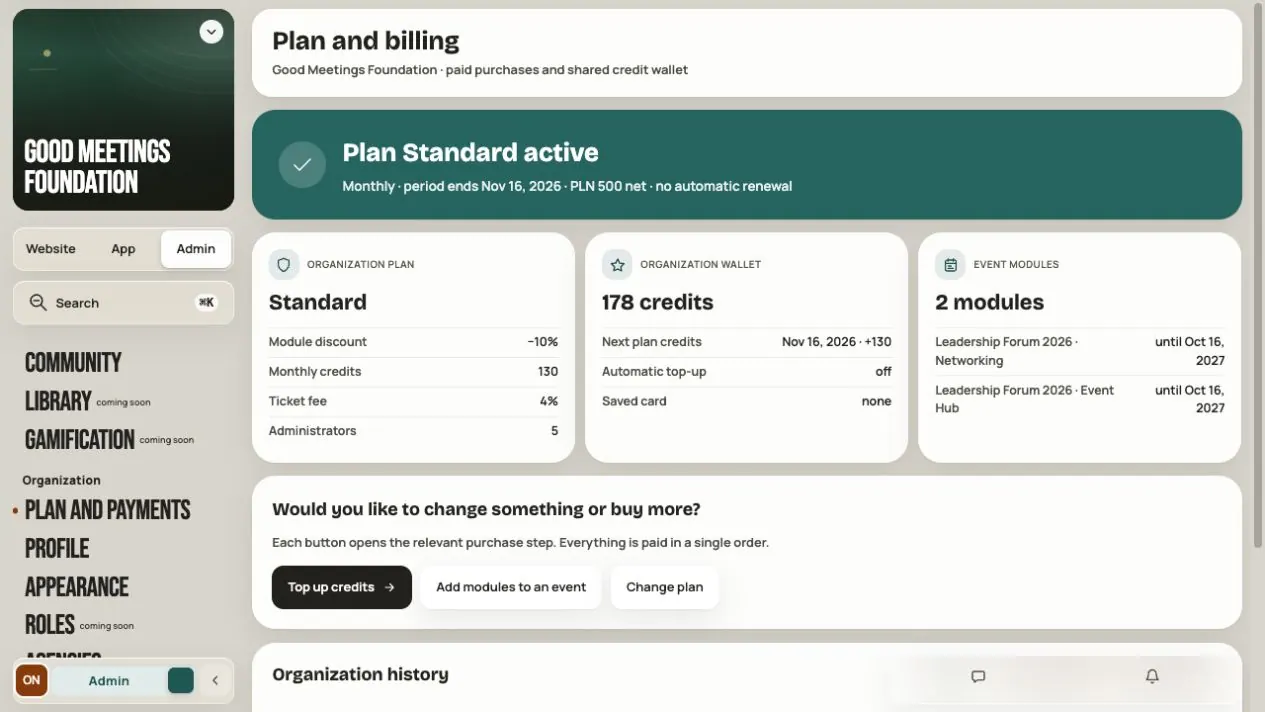
Hi Events costs consist of the organization's subscription, credits, event modules and commission on paid tickets. Use this overview to choose the right guide and check the summary before purchasing.
What you buy and where it applies
| Item | Scope | Detailed guide |
|---|---|---|
| Free, Standard, Pro or Dedicated subscription | The organization: monthly credits, manager seats, discounts and commission rate | Subscriptions |
| Credits | One shared wallet for free registrations, speakers and companies across the organization's events | Credit wallet |
| Paid module | One selected event, for example Networking or Event Hub | Purchases and payments |
| Ticket commission | Paid participant orders | Registration and tickets |
| Individual offer | Agreed subscription, events, credits, modules and possibly a custom commission | An offer from Hi Events |
You do not buy a separate subscription for each event or pay for modules with credits. Credits do not expire at the end of a month or subscription.
Step 1. Check your organization
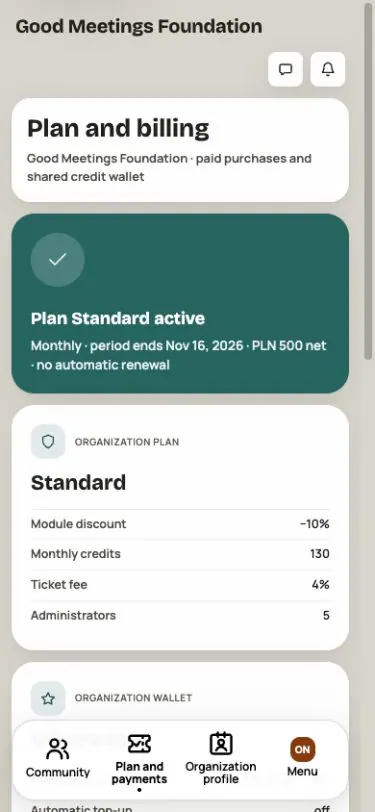
Open Plan and payments in the organization panel. Check the organization name, active subscription, end date and balance. Then choose:
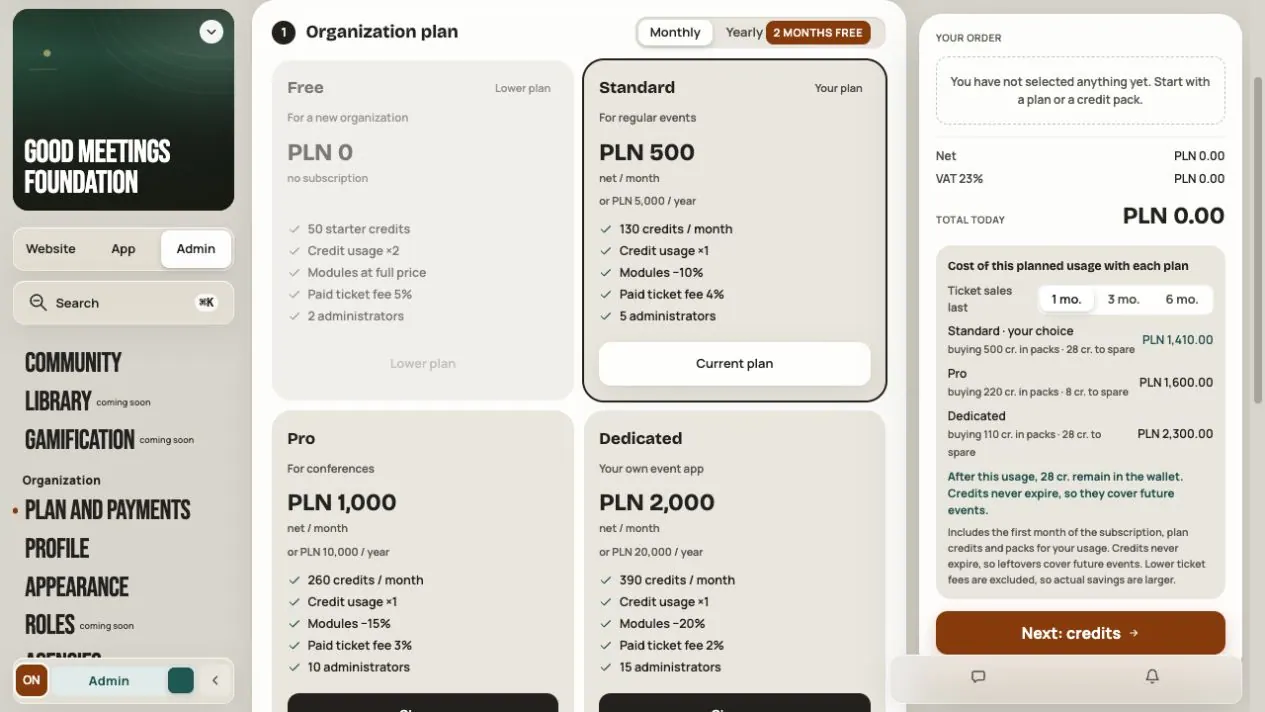
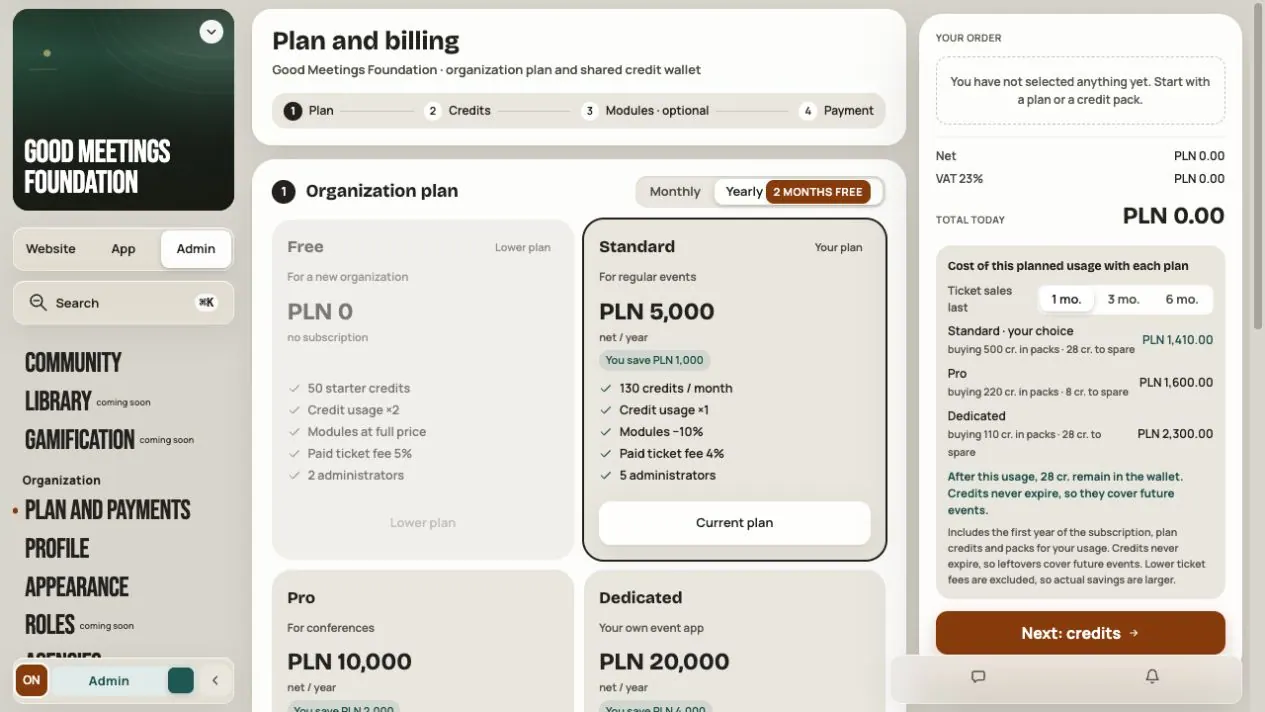
- Change plan to compare higher subscriptions and monthly or yearly periods.
- Top up credits for the calculator and credit packs.
- Add modules to an event to select a specific event and its extras.
For individual terms, open Your offer. Viewing it or downloading its PDF does not accept it.
Step 2. Estimate the event cost
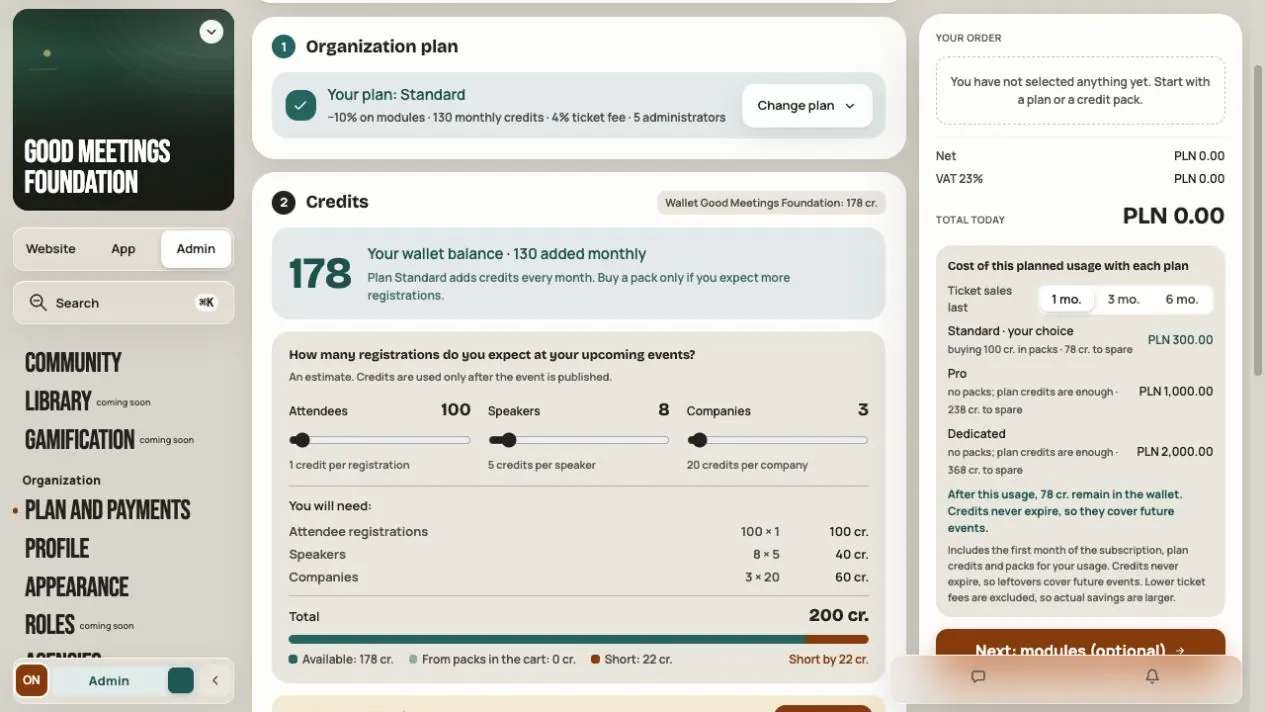
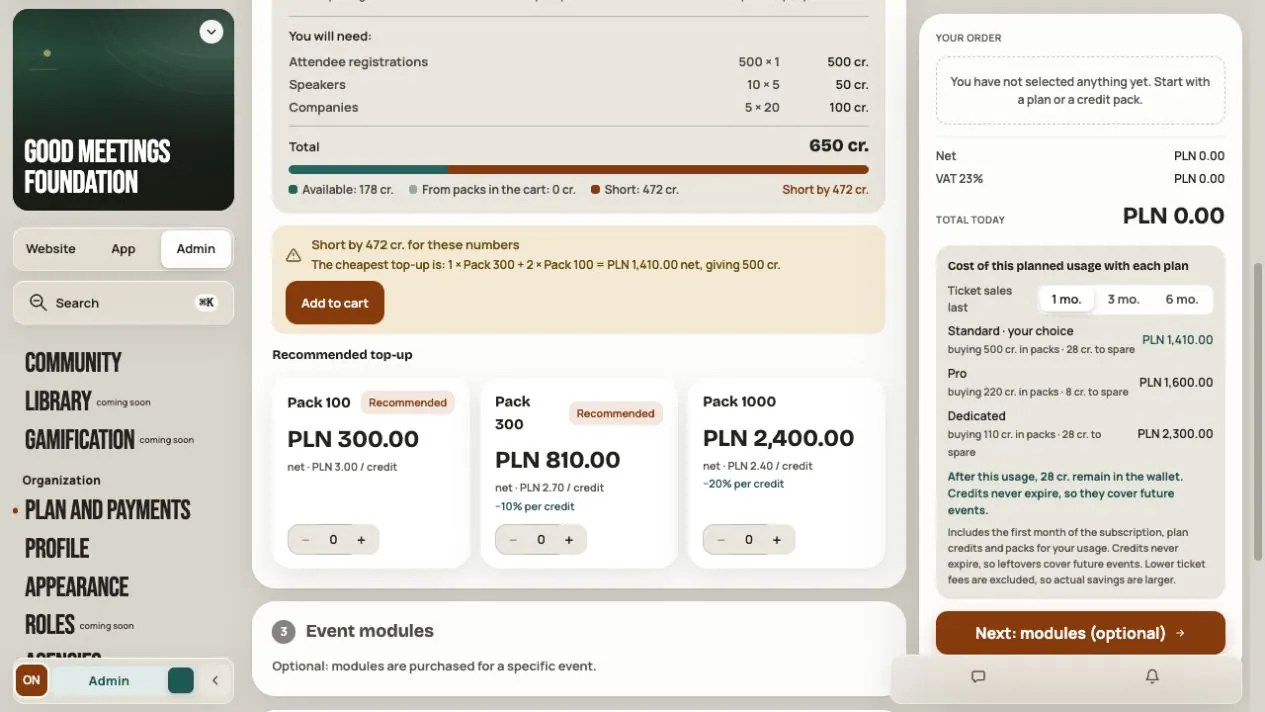
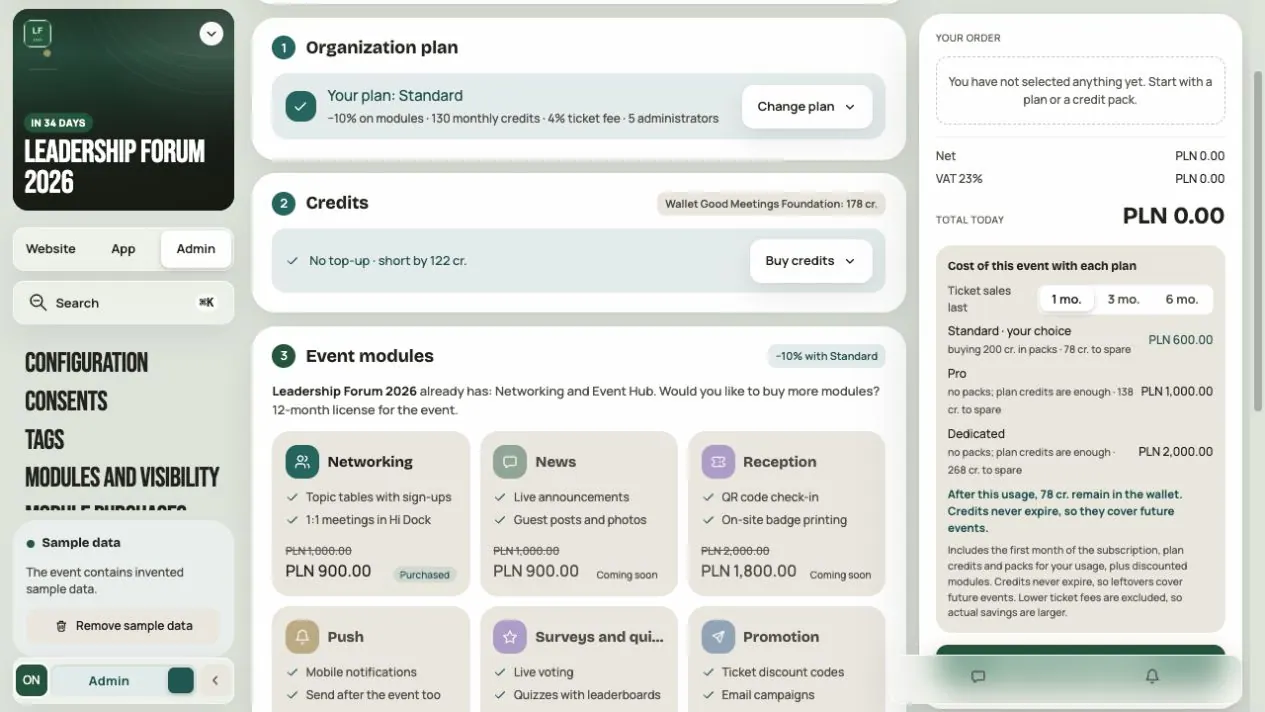
In Credits, enter the expected number of free registrations, speakers and companies. Count your current balance only once. The calculator compares costs over 1, 3 or 6 months, including the subscription, packs and selected modules. It does not add people or make a purchase.
Example: on Standard, 100 free tickets, 8 speakers and 3 companies need 200 credits. Free's ×2 multiplier makes that 400. Paid tickets use no credits and have a commission instead. The calculator comparison does not include savings from a lower ticket commission.
The detailed guides contain application catalog prices checked on 27 October 2026. Check the final amount and tax in your cart or individual offer. Payment provider costs can apply in addition to Hi Events commission.
Step 3. Check periods and availability
- Subscriptions do not renew automatically. Credit recharge is separate and does not extend a subscription.
- A yearly subscription grants credits monthly. The +30% promotion applies to grants before 1 January 2027, 00:00 UTC.
- A module labelled Coming soon is not an available feature. Check its current tile in your panel.
- After purchase, share a module in Admin → Modules and visibility. Check the licence scope in the cart and Event licenses: License for the lifetime of the event has no fixed expiry, while a period licence states its number of months. Activation follows sharing with participants in a published or ended event. Buying it in a draft does not activate it.
- Networking in Dedicated is available while that subscription lasts, without a separate purchase. This is a different entitlement from a purchased licence.
Step 4. Check payment and history
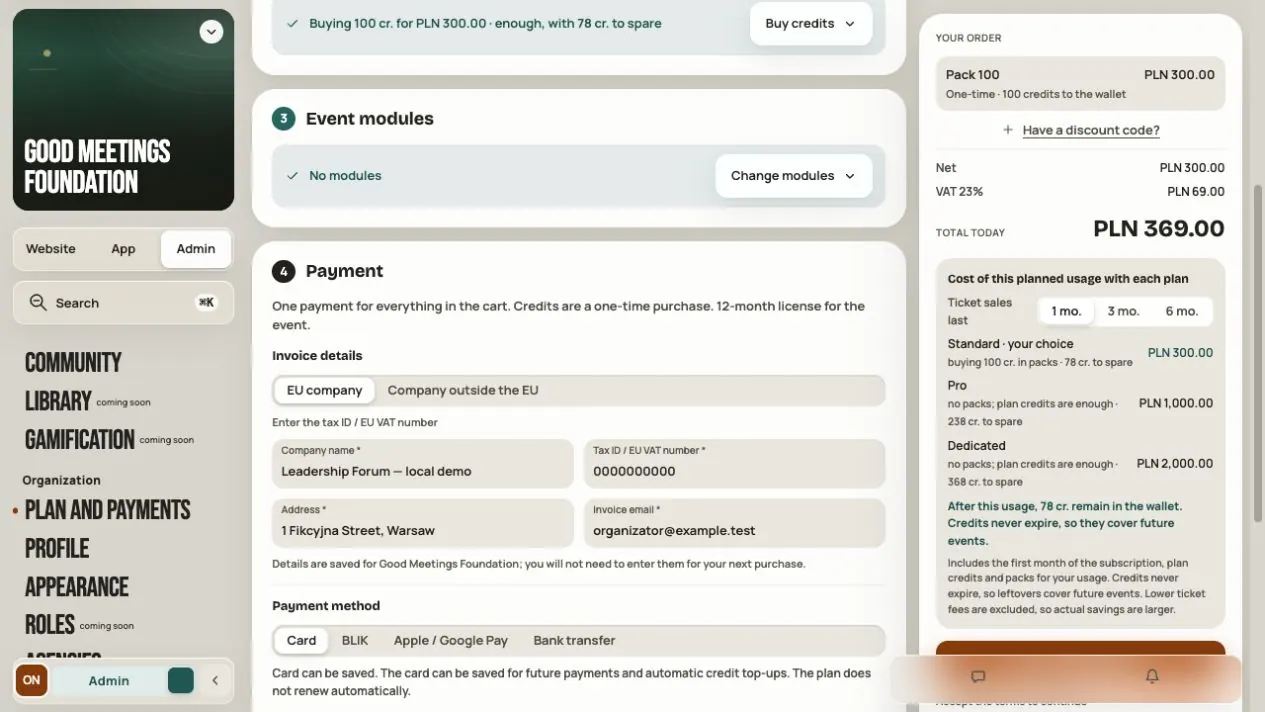
Hi Events service purchases use Stripe or an explicit test mode, depending on configuration. Follow the mode displayed on screen. Ticket payments in Registration still have their own simulation mode; this does not determine the mode for Hi Events service purchases.
Wait for confirmed Paid status. Returning from the bank, a pending state or a connection error does not settle the result. If uncertain, check the same payment before creating another order.
In Plan and payments → Organization history:
| Tab | What to check |
|---|---|
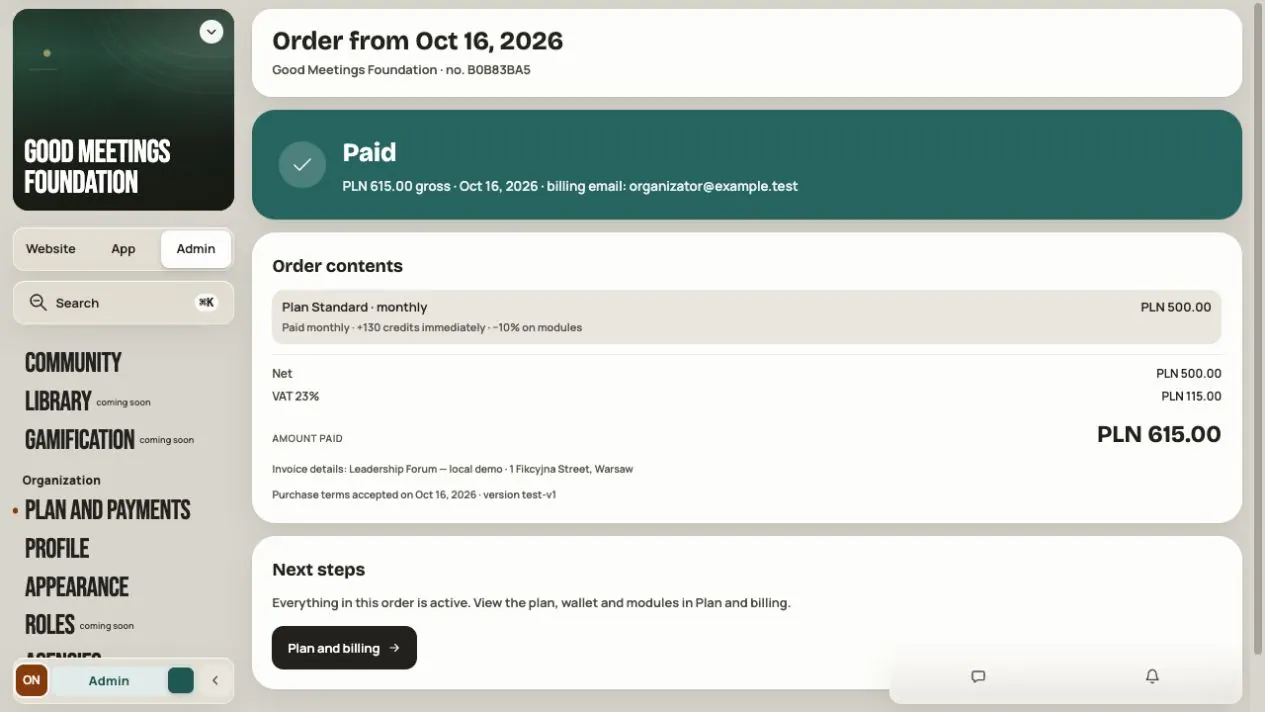
| Payments | Up to 50 recent orders, amounts and states; View opens details |
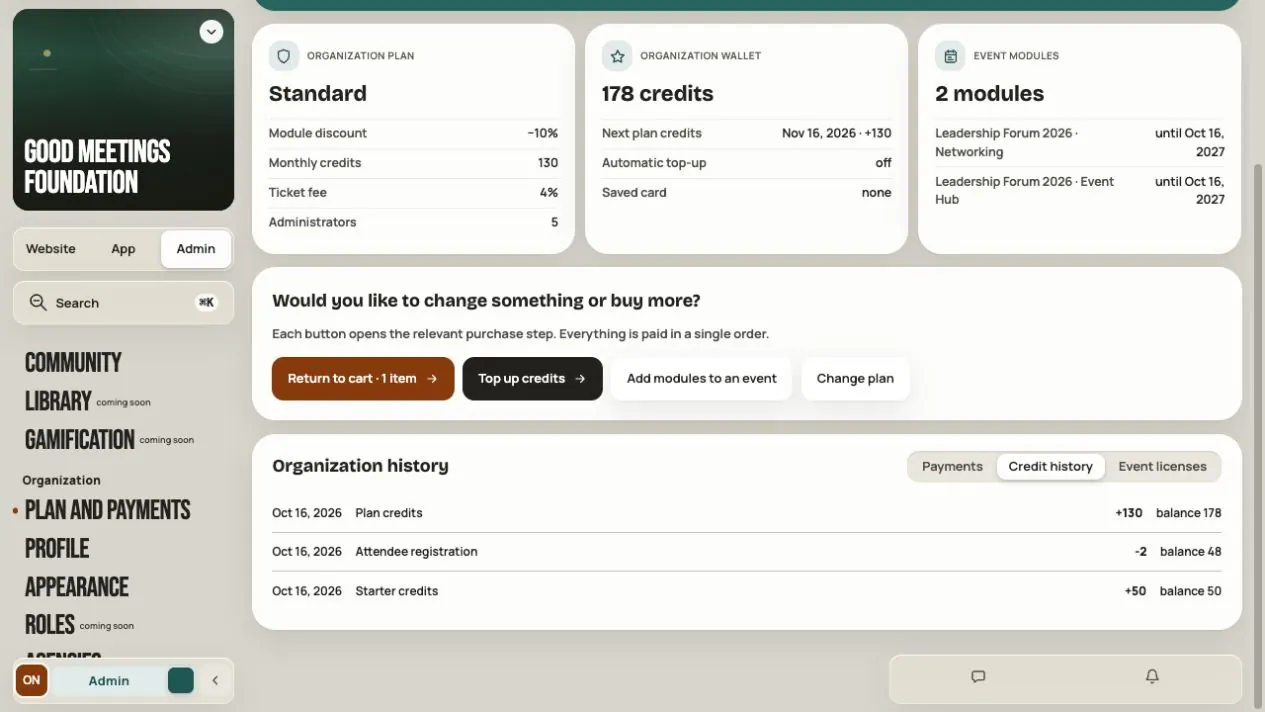
| Credit history | Up to 100 recent grants and debits, with the balance after each |
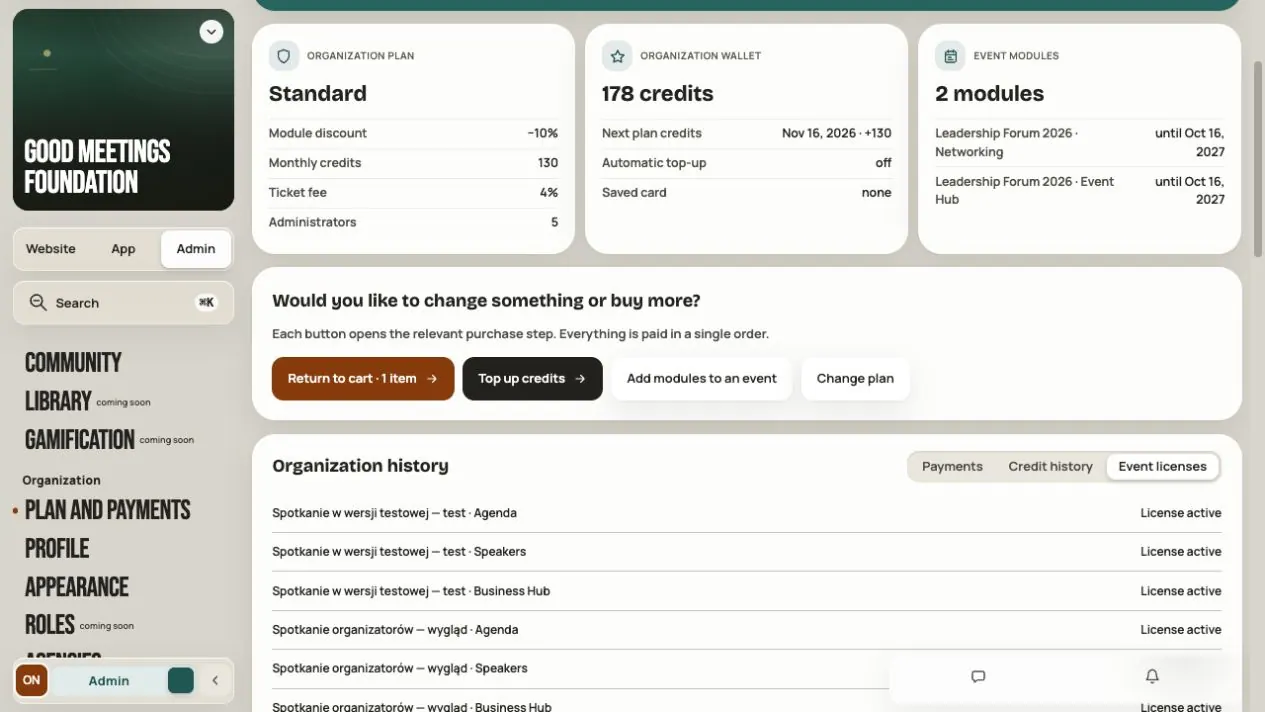
| Event licenses | Purchased, active and expired modules and their dates |
Order details and the offer PDF are not invoices. Order details have no invoice download. Simulation does not charge money or issue invoices. See Purchases and payments for methods, buyer details and resolving problems.
Local demo screenshots
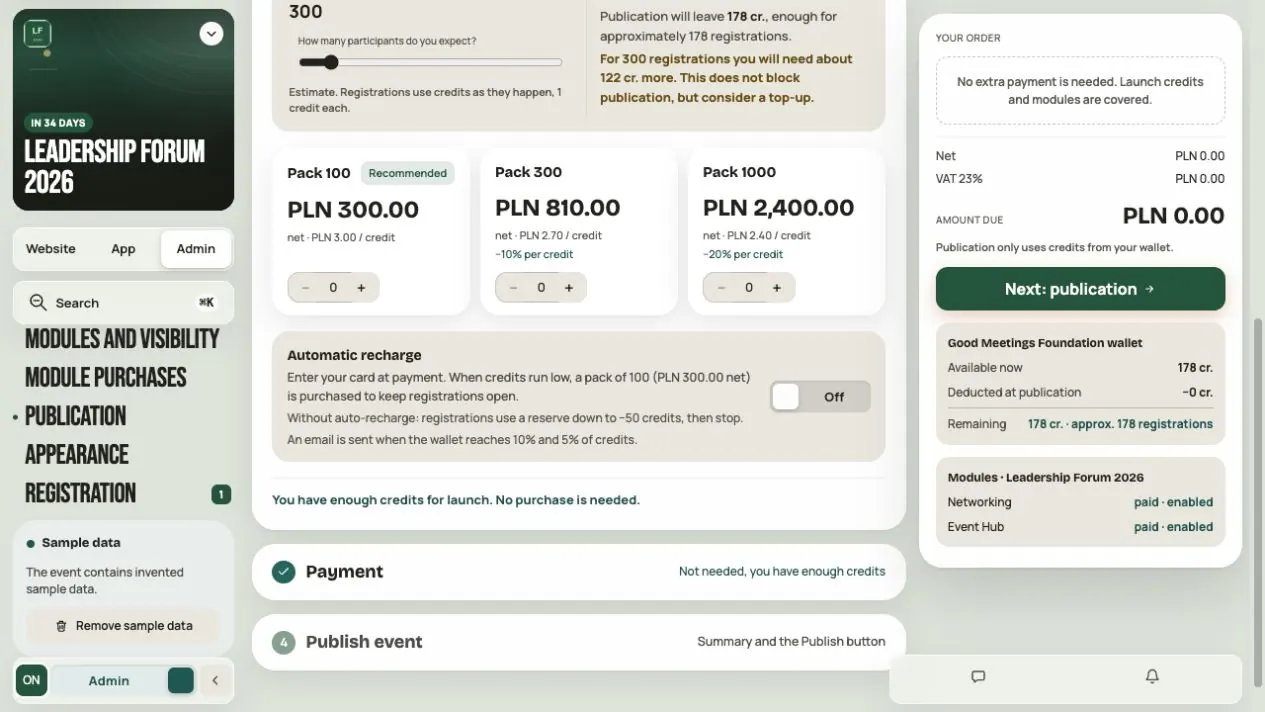
The following images retain examples from an earlier panel version. Their dates, balance and amounts do not describe your organization. Test labels apply to that example. These screenshots do not confirm current module availability; use the guides above for current functionality.
Frequently asked questions
Where do I start with my first event?
Start on Free and estimate your needs in the credit calculator. Compare the full cart with a higher subscription. You do not need a paid subscription to prepare a draft.
Why is my screen showing a different amount from the image?
The images show a local demo. Your amount depends on the subscription, tax, selected modules and any individual offer. Check the summary before confirming.
Why is a purchased module still invisible?
Check event status, licence, the module switch, audience groups and saved settings. Purchase and sharing are separate steps.
Read on
All articles →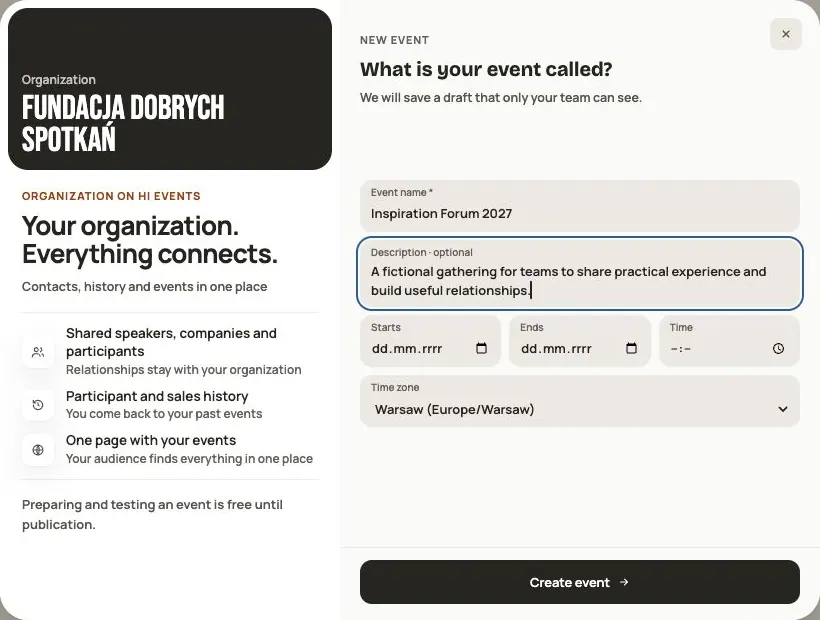 Help
Your first event, step by step
From draft to publication: name and dates, consents, tickets, content, modules, credits and the „Publish event” button.
 Help
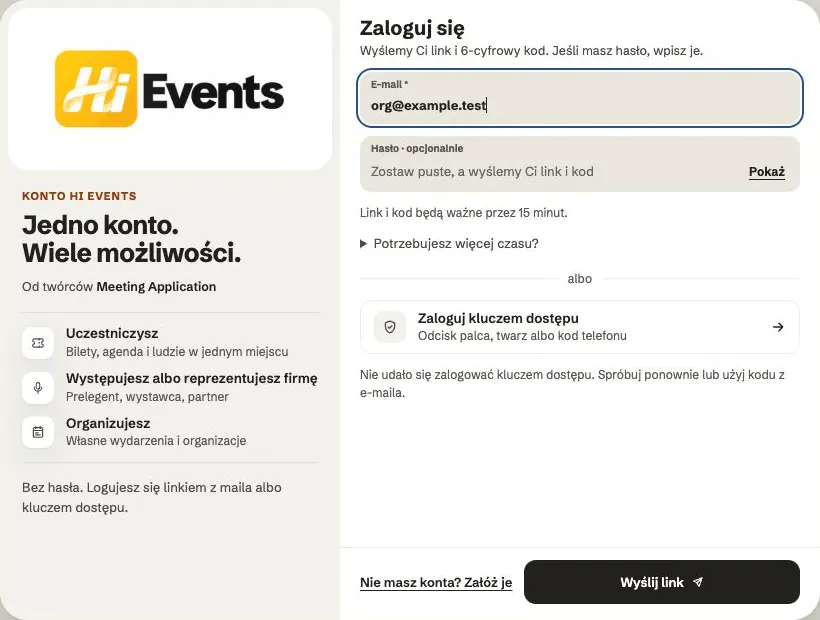
Signing in: link, code, password and passkey
Four ways to sign in to Hi Events, how to set or change your password, and how to sign in with your fingerprint.
 Help
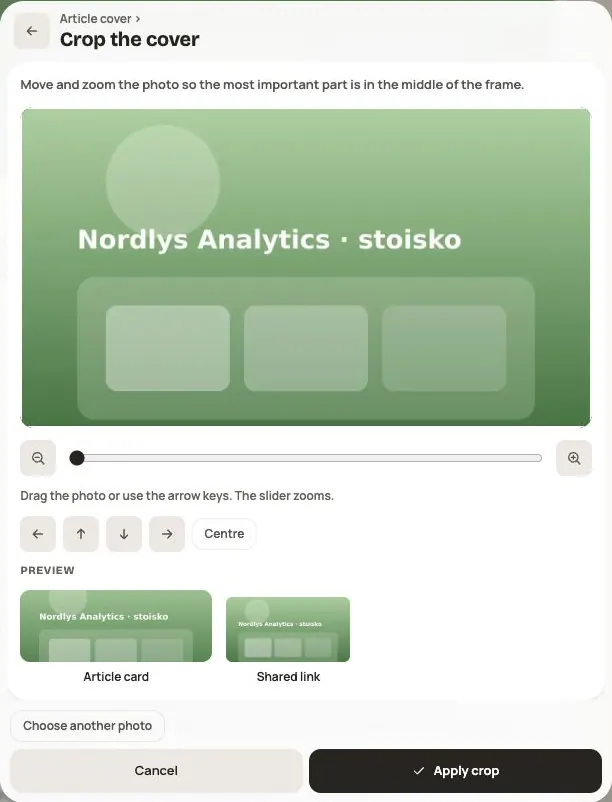
Photos and files: formats and limits
Which photos you can add, how big they can be, and what to do when a file won't upload.