
Free, Standard, Pro and Dedicated plans
Prices, monthly credits, ticket fees, number of administrators and what each plan unlocks.

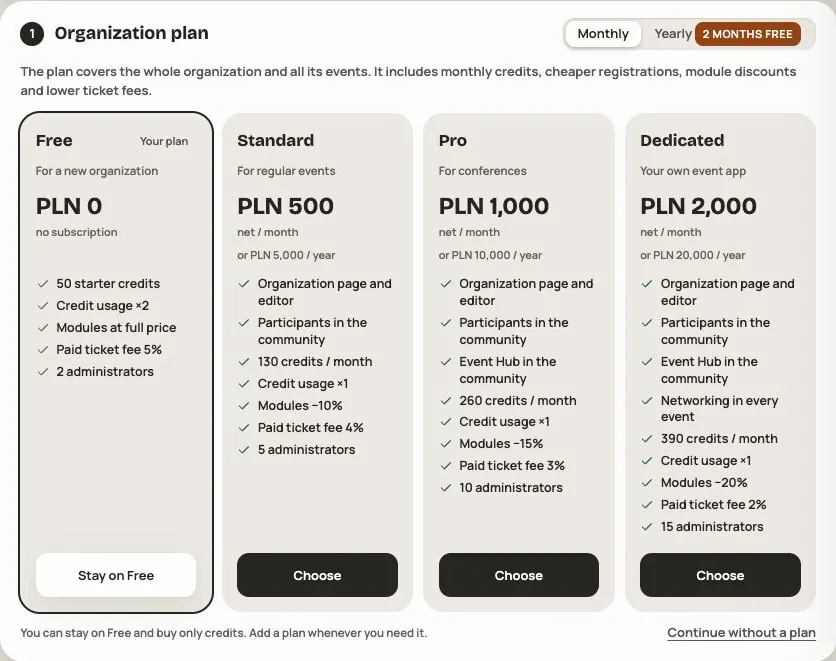
You choose a plan for the whole organization. It applies to all of its events. Every organization starts on Free and can stay there, buying only credits.
Comparison
| Free | Standard | Pro | Dedicated | |
|---|---|---|---|---|
| Net price per month | 0 zł | 500 zł | 1,000 zł | 2,000 zł |
| Net price per year | 0 zł | 5,000 zł | 10,000 zł | 20,000 zł |
| Credits every month | — (50 to start) | 100 | 200 | 300 |
| Credit usage | ×2 | ×1 | ×1 | ×1 |
| Discount on paid modules | — | −10% | −15% | −20% |
| Fee on paid tickets | 5% | 4% | 3% | 2% |
| Administrators | 2 | 5 | 10 | 15 |
| Your own emails to participants per month | system emails only | 5,000 | 10,000 | 15,000 |
Paying yearly gives you 2 months free (for example, Standard at 5,000 zł instead of 6,000 zł).
Until the end of 2026 you get 30% more plan credits each month: Standard 130, Pro 260, Dedicated 390.
Application catalog prices were checked on 27 October 2026. Your cart or individual offer shows the amount for your purchase. Prices are net; check tax before paying.
A yearly plan grants credits monthly, rather than giving the whole year's allowance at once. The +30% promotion ends on 1 January 2027 at 00:00 UTC; later monthly grants use the base values in the table.
What a plan unlocks
- Standard: the organization website with its event calendar and editor, Participants in the organization's community, your own emails to participants.
- Pro: everything in Standard, plus Event Hub in the organization's community.
- Dedicated: everything in Pro, plus Networking in every event at no extra cost.
Agenda, Speakers and Business Hub are in every plan, including Free. Other paid modules (for example Networking, Polls & quizzes, News, Event Hub in an event) are bought separately for a specific event, with your plan's discount.
How to choose or change your plan
- In your organization, go to Plan and payments and click Change plan.
- Choose a higher plan and Monthly or Yearly billing. From Free you can choose any paid plan. You cannot repurchase the active plan here; switching to Yearly does not extend its current period. The tiles compare your expected usage costs.
- If you like, add credit packs right away (with a higher plan they come with +10% extra credits) and modules for an event.
- Go to payment. You pay for everything in one order.
A higher plan works right after payment, and the new period counts from the day of payment. The first month's credits go into your wallet immediately.
Plans don't renew by themselves
A plan covers the month or year you paid for and doesn't renew automatically. See the period end in Plan and payments. There is no Renew button for the active plan. Contact Hi Events if you need continuity before it ends; after expiry you can select a paid plan again. After that, the organization goes back to Free: plan credits stop coming, but what is in your wallet stays.
Frequently asked questions
Can I sell paid tickets on Free?
Yes. The fee on a paid ticket on Free is 5%. Paid tickets use no credits.
What happens when I run out of administrator seats?
You can't send another invitation. Every invited person takes a seat, even before they accept. Change your plan or revoke a pending invitation.
Can I move to a lower plan?
Not during a paid period. When the period ends, you can choose any plan or stay on Free.
How much does selling one ticket cost me?
Only your plan's fee on the ticket price. Credits are used only for free registrations, speakers and companies. More in Your organization's credit wallet.
Read on
All articles →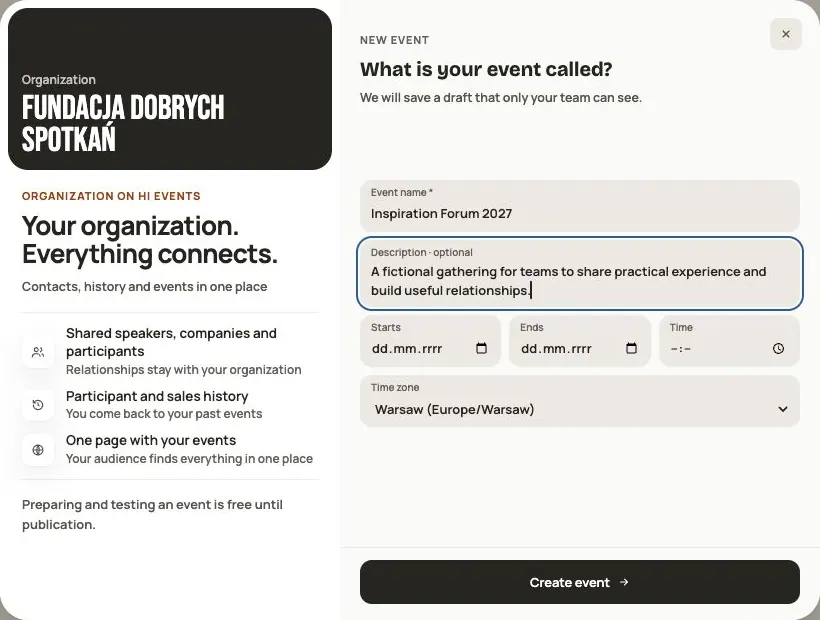 Help
Your first event, step by step
From draft to publication: name and dates, consents, tickets, content, modules, credits and the „Publish event” button.
 Help
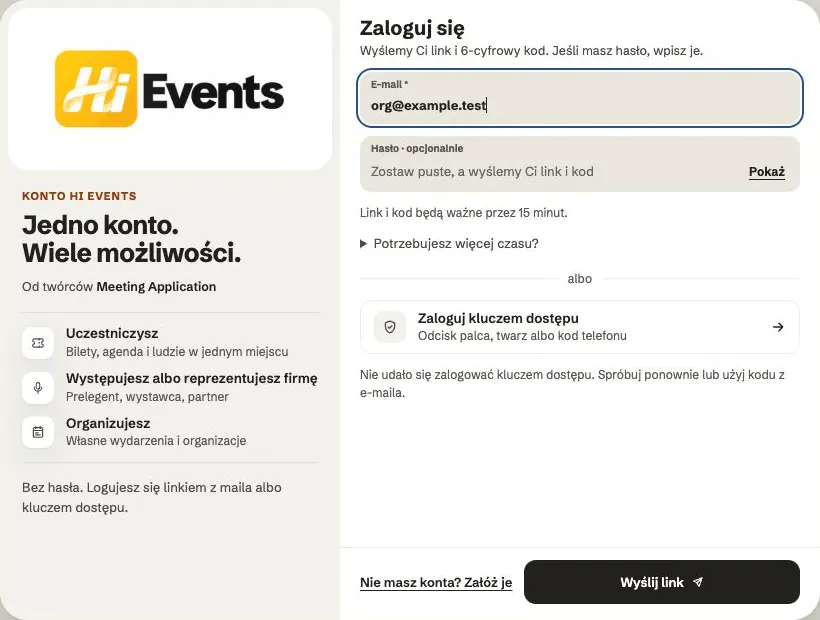
Signing in: link, code, password and passkey
Four ways to sign in to Hi Events, how to set or change your password, and how to sign in with your fingerprint.
 Help
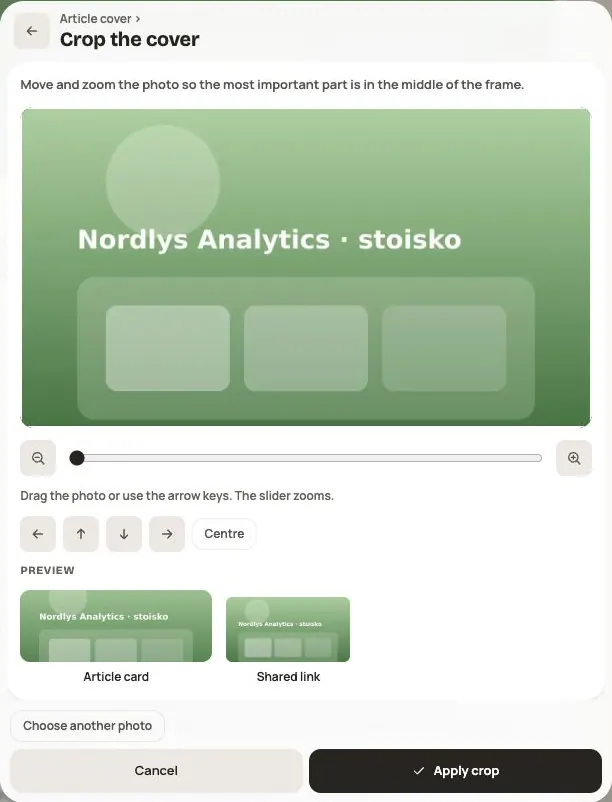
Photos and files: formats and limits
Which photos you can add, how big they can be, and what to do when a file won't upload.